
 Español
 Français
 Deutsch
 Italiano
 Português

 Mega Packs
 Arcade Cabinet Kits
 Vinyls
 Monitors
 Arcade Stools
 Arcade Components
 T-Molding and U-Molding
 Gaming furniture
 Outlet

USB/HDMI Panel Mount Extension
17,95€
Video and data out of your cabinet in a single part. This USB HDMI cable gland leaves an HDMI port and a USB port reachable from outside the bartop, with the extension cable already fitted: you just plug it into your Raspberry Pi, PC or arcade board on the inside.
Requires a 30 mm hole and fixes with a threaded nut from the inside face.

When you build a bartop or a full cabinet you end up needing two things from the outside: a way to get the picture out, and somewhere to plug in a controller or a flash drive. This USB HDMI cable gland solves both at once, and it is the easiest option if you would rather not fuss with internal wiring: the extension cable comes already fitted, so you mount it and plug it in.
🎮 HDMI and USB without opening the cabinet
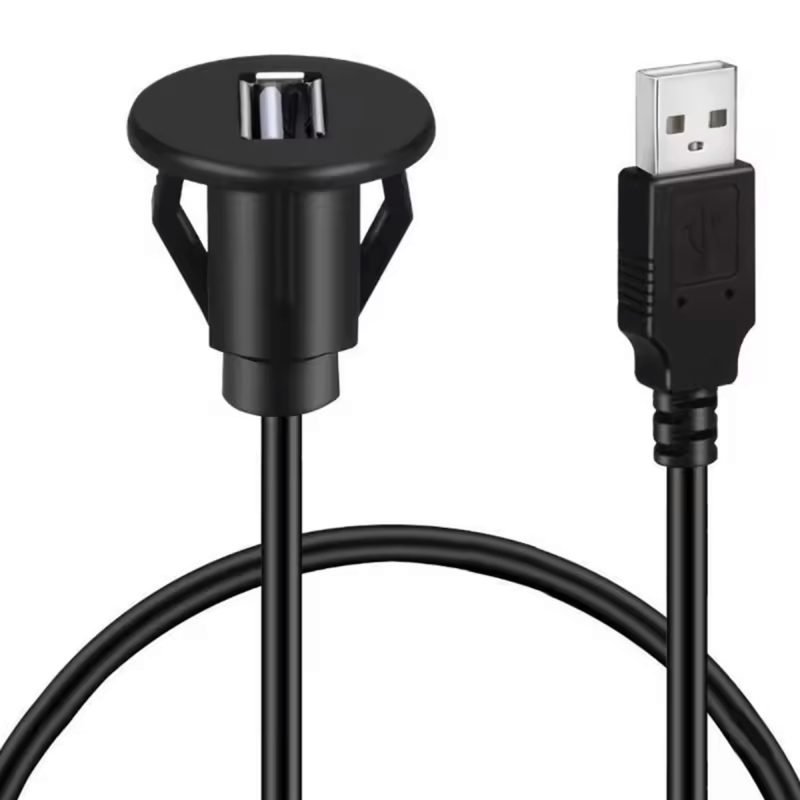
It mounts into the side or the back of the cabinet and leaves an HDMI female port and a USB Type A female port on show. On the inside face, the two male connectors of the cable go straight into your system. From there you can:
- Send the picture from the cabinet to an external monitor or to the TV in the living room.
- Plug in a controller, a keyboard or a flash drive without taking anything apart.
- Update your Raspberry Pi, PC or Pandora Box, or move ROMs across, from the outside.
🛠️ Installation
- Hole diameter: 30 mm, the same size as 30 mm arcade buttons, so you probably already own the hole saw.
- Fixing: threaded nut on the inside face of the panel. No screws or brackets needed.
- Tip: on MDF, drill slowly and from the good face so the edge of the hole does not chip.
📋 Technical specifications
- Outside connectors: 1x HDMI female + 1x USB Type A female.
- Inside connectors (cable end): 1x HDMI male + 1x USB Type A male.
- Cable: included and already fitted.
- Fixing: threaded nut.
- Mounting hole: 30 mm.
- Finish: black.
- Weight: 0.1 kg.
🔌 Is this the right one for you?
It depends on whether you want the cable included or would rather fit your own:
- If you only need the video output and would rather use your own internal lead, there is the HDMI connector for arcade panel, smaller and cheaper.
- If you only need USB but want two ports, look at the double USB extension gland.
- If you are after USB 3.0 at full speed, there is the USB 3.0 connector for arcade panel.
| Weight | 0,1 kg |
|---|
Be the first to review “USB/HDMI Panel Mount Extension”
Related products

Panel Mount Connectors
Panel Mount Connectors


Panel Mount Connectors
Panel Mount Connectors
Panel Mount Connectors


Panel Mount Connectors
Reviews
There are no reviews yet.