
 Español
 Français
 Deutsch
 Italiano
 Português
 Mega Packs
 Arcade Cabinet Kits
 Vinyls
 Monitors
 Arcade Stools
 Arcade Components
 T-Molding and U-Molding
 Gaming furniture
 Outlet
Emulators
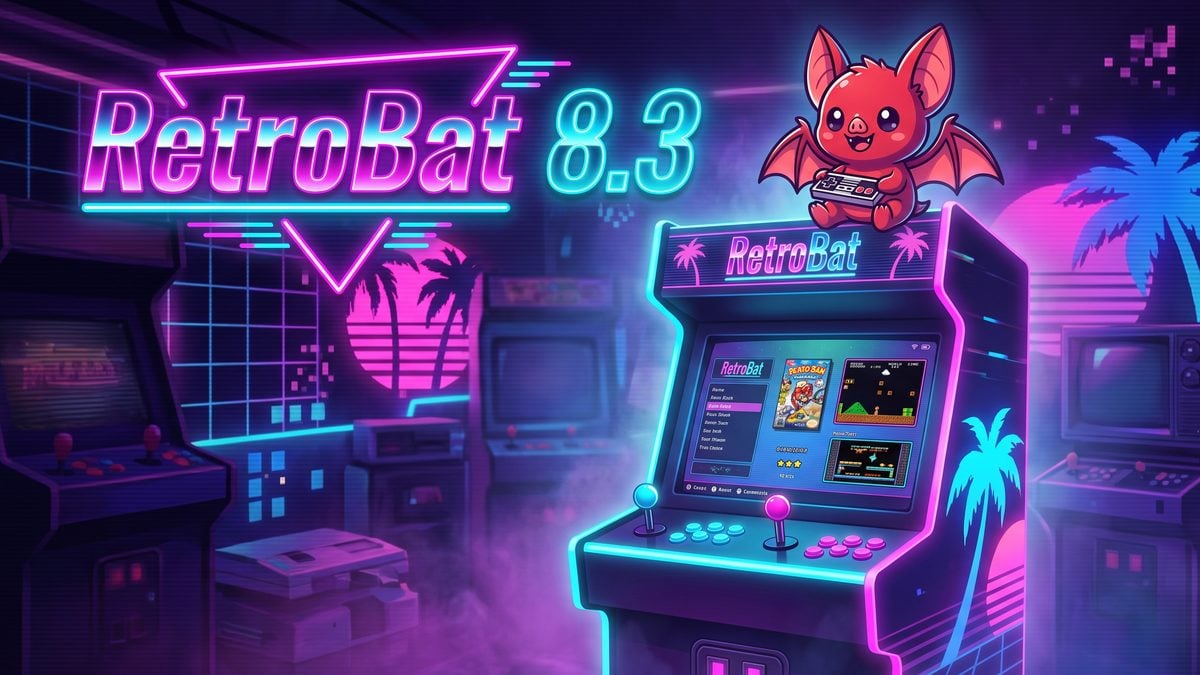
RetroBat 8.3: what’s new, what changes for your arcade machine and how to update
Oct
RetroBat released version 8.3.0 on 10 October 2026, after two weeks of beta, and on 16 October it was followed by 8.3.1 with a few fixes. It is the biggest update since RetroBat 8 arrived in April: it brings new emulators, updates almost all the others and improves performance across the board.
If your arcade machine runs on a PC or Mini PC with Windows, this one is for you: there are changes for light guns, steering wheels and arcade boards such as Triforce and Chihiro, and Flycast and Dolphin no longer default to the graphics mode that failed most often. Here is what it brings and how to update.
What’s new in RetroBat 8.3
New emulators and systems
- Amiberry for Amiga, CD32 and CDTV, both standalone and as a RetroArch core.
- Standalone BlastEm for Mega Drive, and the Gearsystem core for Master System and Game Gear.
- uzdoom for Doom (the gzdoom system is renamed doom).
- xemu-chihiro for Sega’s Chihiro arcade board.
- A new Zelda Classic system, with libretro-zc255 and ZQuest Classic.
- ArcadeDuck (for now, only for the Zinc board) and the applewin core for Apple II.
- Standalone Dolphin becomes the main emulator for Triforce, the Sega, Namco and Nintendo arcade board behind games such as Mario Kart Arcade GP and F-Zero AX.
Updated emulators
Among others: PCSX2 2.8.2 (PS2), PPSSPP 1.20.4 (PSP), Dolphin 2609a (GameCube and Wii), ShadPS4 0.19.0 (PS4), WinUAE 6.0.3 (Amiga), Azahar 2126.1.2 (3DS), Altirra 4.40 (Atari 8-bit) and Ship of Harkinian 9.2.3.
What you notice most when playing
- Better performance overall, according to the RetroBat team.
- Flycast and Dolphin use Direct3D 11 by default instead of Vulkan, which made them crash for many users.
- Rewind is disabled by default on many demanding RetroArch cores, so they don’t lose speed.
- Screens numbered consistently: screen 1 in RetroArch is now the same screen 1 in Dolphin and the other emulators, useful if your machine has more than one monitor.
- MSAA option in the interface, which can remove flickering.
- Turbo: on cores with a turbo option you can now choose its frequency.
For steering wheels and light guns
- Flycast: separate settings for wheels in arcade, Dreamcast and racing controller modes, with saturation and deadzone settings.
- Guns: fixes for crosshairs that sometimes didn’t appear in Flycast and for devices wrongly detected as guns. In 8.3.1, Wiimote buttons are also the same across all emulators (TeknoParrot, RetroArch, Flycast, Model 2, Supermodel and DuckStation).
- MAME: changes you make to its settings during a game are now saved.
Other improvements
- WinUAE supports WHDLoad, and NO$GBA stores saves in the RetroBat folder and opens zipped ROMs.
- Option to disable ReShade or use your own version.
- An option in
retrobat.inito hide Windows notifications and File Explorer windows, very handy on a machine that is only used for gaming. - Fixes in TeknoParrot, WinUAE, Triforce and several unexpected interface crashes.
What RetroBat 8.3.1 fixes
- Chihiro: the .bin extension was missing and its BIOS check failed.
- Fixes for the virtual keyboard and for emulators opening on the wrong screen.
- Doom games for uzdoom, gzdoom and prboom now share the
romsdoomfolder. - N64Recomp games are launched with QuiverLauncher from the
romsrecompfolder.
What changes if you have an arcade machine with RetroBat
- If Flycast or Dolphin kept failing (Naomi, Atomiswave, Dreamcast, GameCube, Triforce), try this version: the switch to Direct3D 11 should fix it.
- If your machine has guns or a steering wheel, there are plenty of fixes for you.
- If you are building your first PC-based machine, our RetroBat guide explains how to install and set it up step by step, including joysticks and buttons connected through a Zero Delay interface.
- If you are torn between RetroBat and other systems, we compare them in the best arcade emulation systems.
RetroBat 8.3 FAQ
How do I update to RetroBat 8.3.1?
If you already have RetroBat 8, you can update from the program’s Updates & Downloads menu. If you are coming from version 7 or prefer to start from scratch, download the installer from the official RetroBat website. Before you do, back up your saves, bios and roms folders and your retrobat.ini.
Do I have to download all the emulators again?
You don’t have to download them by hand. Since version 8, the installer only includes RetroArch and RetroBat downloads each emulator the first time you open a game that needs it, except for Switch, TeknoParrot and paid emulators.
Does it work on any Windows?
RetroBat 8 is a 64-bit program and runs on 64-bit Windows 8.1, 10 and 11. For demanding emulators such as Dolphin, PCSX2 or RPCS3 you need a graphics card that supports Direct3D 11.1, OpenGL 4.4 or Vulkan.
Sources
- RetroBat on GitHub: release notes for 8.3.0 and 8.3.1 (10/10/2026 and 16/10/2026)
- RetroBat: changelog