
 Español
 Français
 Deutsch
 Italiano
 Português
 Mega Packs
 Arcade Cabinet Kits
 Vinyls
 Monitors
 Arcade Stools
 Arcade Components
 T-Molding and U-Molding
 Gaming furniture
 Outlet
Emulators
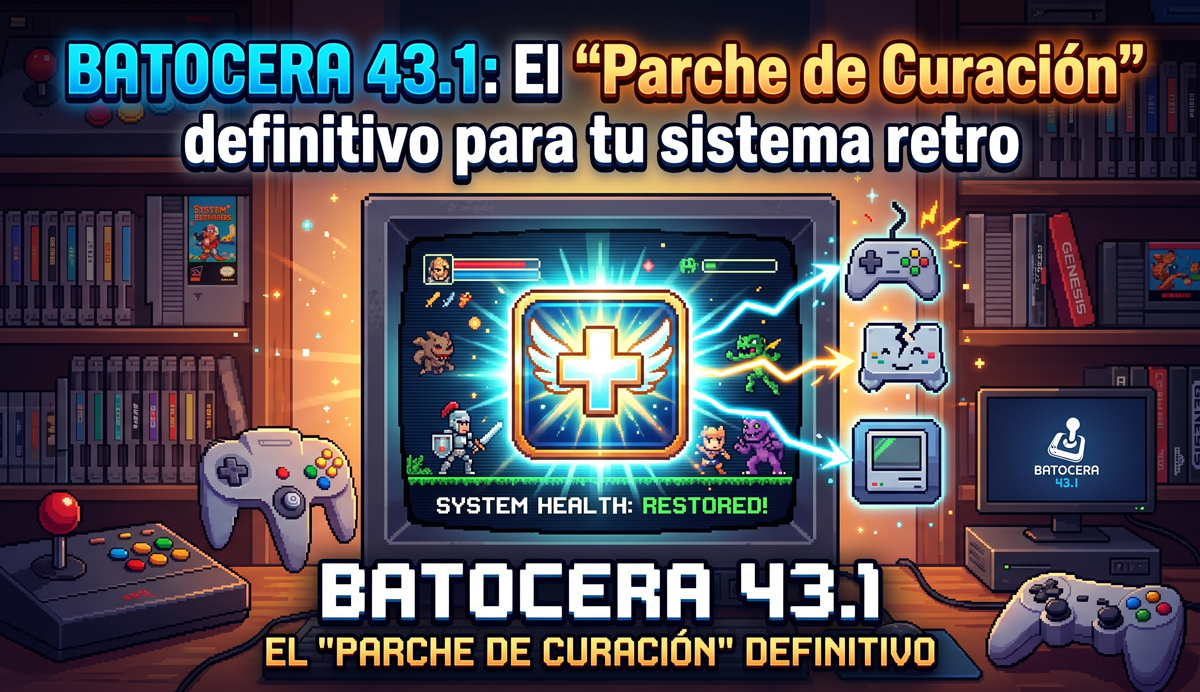
Batocera 43.1: The Ultimate ‘Healing Patch’ for Your Retro System
Jun
Ready for a new round? If you are a retro and arcade enthusiast, you have surely already experienced the power of this operating system. However, the recent launch of version 43 left us all wanting to press the “Reset” button due to some annoying technical issues. Luckily, the development team reacted quickly and we now have Batocera 43.1 among us, a stability update designed to safeguard your game library.
This new release acts as a “Continue” coin that comes to resolve those annoying regressions from the base version. In this guide we are going to thoroughly analyze what has been fixed, what new features it inherits from version 43 and how to dodge the “final bosses” in the form of performance bugs.
“In the arcade world, a bug is like an invisible enemy that ruins your high score streak. Batocera 43.1 arrives to clear the screen.”
What new features and bug fixes does Batocera 43.1 introduce?
Version 43 of Batocera (known as Glasswing) introduced deep changes at the kernel and graphics server level. Unfortunately, this brought with it a series of quite annoying collateral failures for arcade players. Batocera 43.1 has been released exceptionally and surgically to correct these failures without making us wait entire months.
Below, we break down the most important fixes that you will notice immediately upon turning on your arcade setup:
- The mystery of ghost ROMs solved: In version 43.0, many users reported that their consoles and collections randomly disappeared from EmulationStation after restarting or scraping. This critical database error has been completely fixed in 43.1.
- Disk and partition recognition: The internal storage manager used to completely ignore certain partitions connected via USB or SATA. Now, your game hard drive will be detected instantly again.
- Controller or keyboard? Correct identification! A very strange bug turned your Microsoft controllers into independent virtual keyboards, making it impossible to play. v43.1 repairs the
hid-microsoftcontroller mapping to restore your games. - Core options recovered: Specific configurations for the LR-Dolphin emulation core and light guns in LR-MAME are back to 100% operational.
| Feature | Batocera v42 | Batocera v43.0 | Batocera v43.1 |
|---|---|---|---|
| Stability Status | Excellent | Low (Critical regressions) | Optimal (Focus on fixes) |
| Collection Management | Stable | Unstable (Missing systems) | Fixed |
| Xbox / Bluetooth Controllers | Functional | Detected as keyboard | Fully restored |
The internal revolution: Wayland, services and new emulators
Although 43.1 focuses on healing wounds, we must not forget the great technological leap that the v43 branch represents. For example, on modern portable devices with x86_64 architecture, the definitive transition to the Wayland graphics server using the LabWC compositor has begun. This translates into less lag in your inputs and much smoother pixel art emulation.
On the other hand, the old custom.sh custom scripts system has been retired. If you used complex modifications on your arcade machine, the system will automatically convert them into a native service upon first boot. Also, modern collectors will celebrate the experimental inclusion of ShadPS4, the first PlayStation 4 emulator peeking out on the platform.
Want to get the most out of your system? Remember to check out our guide on how to squeeze every last frame out of your graphics card.
Important changes in game directories and removed emulators
Attention, arcade handymen! Before updating, you should know that some folders have changed names to maintain the consistency of the operating system. Now the emulation of the mythical Sega Triforce board is done directly within the standard Dolphin emulator. Therefore, it is mandatory that you move your saved games from saves/dolphin-triforce/ to saves/dolphin/.
Likewise, games that use the Singe interactive video system must be moved from the old Daphne path to the new exclusive directory roms/singe/. As a nostalgic but bittersweet note, the DraStic Nintendo DS emulator has been removed from the system due to compatibility issues with its closed-source code. Support for Apple II GS via MAME has also been temporarily removed.
The Pending “Bug List”: Watch out for these v43.1 Bosses
No patch is perfect, and the developer community has already reported some specific problems on specific hardware that you should watch closely so that your game does not end in “Game Over”:
- Xemu (Xbox) audio failure: If you play on PC with AMD Ryzen processors and Vega integrated graphics, the Xbox emulator may lose sound after a few seconds. The temporary solution is to edit your
xemu.tomlfile and disable the exclusive fullscreen option by settingfullscreen_exclusive = false. - The PCSX2 and controller profiles problem: In this version, if you configure a custom profile for specific controllers in PCSX2 externally, they may not respond when starting the game directly from Batocera. It is recommended to map your controllers in standard form from the general frontend to avoid this block.
- Performance drop with DXVK on Nvidia: Some users with older dedicated cards (like the GTX 1080) report that Windows games under Proton or WINE lose Vulkan conversion support, working only under OpenGL with the consequent loss of fluidity.
Are you one of those who prefers to enjoy with classic console controllers instead of an arcade panel? Check out our detailed analysis on the best ones to achieve zero latency.
Old Hardware Alert: If you are running your system on a classic Raspberry Pi 3B+, we recommend freezing your version on Batocera v39 or v40. The RAM requirements and compatibility of the new emulator versions exceed the capacity of this board with almost a decade of age.
Frequently Asked Questions about Batocera 43.1
How can I update to Batocera 43.1 if I am on an older version?
You can perform the process directly from the system menu by going to System Settings -> System Updates. If you want immediate access to the patch, select the “Butterfly” development channel in the update options.
What happened to my Nintendo DS games after the removal of DraStic?
Do not worry about your ROMs. Although DraStic has been removed due to its closed-source nature, your games will continue to run natively through alternative open-source emulators such as MelonDS or DeSmuME, which are perfectly integrated.
Do I have to configure my Xbox controllers again in this version?
If you were experiencing the detection failure where your system identified them as virtual keyboards, v43.1 will solve the problem automatically. You will only have to turn them on and enjoy your favorite game without additional steps.
It’s your turn to press Start!
The arrival of Batocera 43.1 demonstrates the incredible commitment of the community to polish the gaming experience of all pixel art lovers. Although the v43 branch has been a challenging architecture change, this stability patch provides the necessary solidity to enjoy long hours of uninterrupted fun.
Have you already updated your machine? Have you had any problems with your controllers or emulators in this new version? Tell us your experience in the comments section, share your favorite hardware configuration and don’t forget to share this post on your favorite arcade networks to help other emulation comrades!
Sources and Recommended Readings
- Official project changelog at Batocera.linux
- Technical documentation and scripting guides on the Official Batocera Wiki
- Development issue repository on GitHub Batocera-Linux