
 Español
 Français
 Deutsch
 Italiano
 Português

 Mega Packs
 Arcade Cabinet Kits
 Vinyls
 Monitors
 Arcade Stools
 Arcade Components
 T-Molding and U-Molding
 Gaming furniture
 Outlet
Emulators
Neo Geo on your arcade machine: which emulator to use, how to set up the four buttons and what to play
Nov
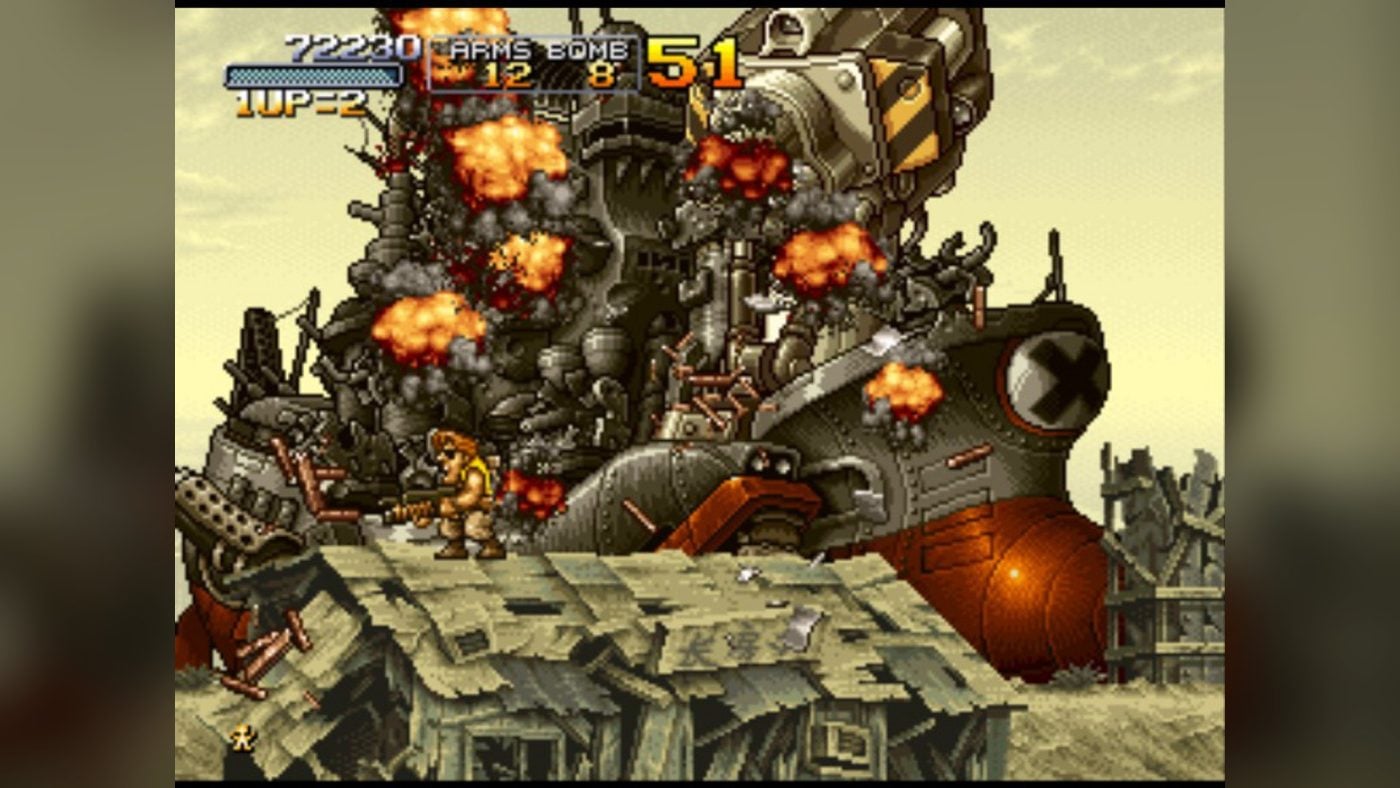
Few boards look as good on a bartop as the Neo Geo. Metal Slug, The King of Fighters, Garou and Samurai Shodown all came from it, and its logo looks fantastic on the side panels of a cabinet. The good news is that it is also one of the easiest to emulate: it runs well even on a Raspberry Pi and needs no more than four buttons per player.
In this guide we explain what the system was, which emulator to use in Batocera and RetroBat, how to lay out the four buttons on the control panel and what to play. The information comes from each project’s documentation and from the MAME source code, consulted on 3 November 2026. You need your own copies of the games and the BIOS: we don’t link to ROMs or downloads here.
MVS and AES: the same board in the arcade and at home
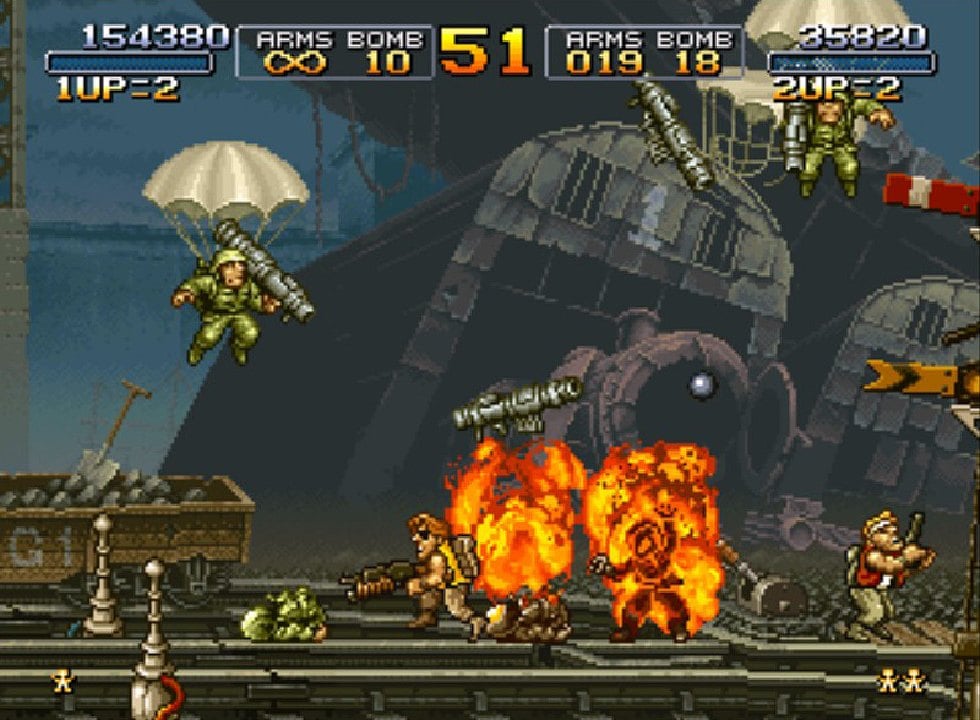
SNK launched the MVS (Multi Video System) in 1990. It was an arcade board with interchangeable cartridges: the arcade owner could change games without buying another machine, and there were boards with one, two, four and six slots, so a single cabinet could hold up to six games. The AES was the home console with the same hardware. Its cartridges carried the same games, although they had a different format and couldn’t be used from one system to the other. Later came the Neo Geo CD, on disc and cheaper.
SNK kept releasing games until 2004, and the last one MAME includes is Samurai Shodown V Special. Since the arcade board and the console are almost identical inside, arcade emulators handle both.
Which emulator to use
- FinalBurn Neo (FBNeo) is the one Batocera uses by default for Neo Geo, through its RetroArch core. RetroBat also uses it by default. According to the libretro documentation, it runs very well even on modest hardware such as a Raspberry Pi 3.
- MAME also emulates the Neo Geo, and Batocera offers it as an alternative, along with several older versions of FBNeo and MAME intended for slow machines.
- For Neo Geo CD, Batocera uses the NeoCD core. It makes little sense on a bartop: they are the same games as on cartridge, but with loading times.
The BIOS and the game format
Just like the original board, the emulator needs the Neo Geo BIOS, which goes in a file called neogeo.zip in the BIOS folder. Batocera warns that the BIOS and the games must be from the same romset version, and the games are kept compressed as zip files. In Batocera they can go in their own neogeo folder, so that they show up as a separate system, or in the MAME one.
Arcade or console
The FBNeo core has an option called “Neo-Geo mode” to choose which BIOS it boots with: the arcade one (MVS) for Europe, the United States or Japan, the console one (AES) or UniBIOS. If the one you choose is missing, it uses another of the ones you have. The board tells the game whether it is running in an arcade cabinet or on a console, and some games change depending on that: MAME’s own source code explains this. For a bartop, the natural choice is the arcade one.

The Neo Geo uses four buttons, A, B, C and D, plus Start and Select. Fighting games use all four; in Metal Slug, A shoots, B jumps and C throws grenades.
On a bartop with six or more buttons per player you have buttons to spare, and what matters is where to put those four. The Batocera wiki includes a “Neo Geo” layout that mimics the arcade control panel: A on the bottom row, where your thumb falls, and B, C and D on the top row. That layout is applied with MAME, which is the one that supports automatic layouts, and you have to select it: by default, Batocera gives Neo Geo games the layout of the Neo Geo Mini controller. In RetroBat, the FBNeo core has three controller schemes: CLASSIC, which is the default, MODERN and 6BUTTONS. Try them with a KOF before settling on one: it is the game that makes the most of the four buttons.
If you’re building your control panel, our joystick and button kits have everything you need.
What hardware you need
- Raspberry Pi: the Neo Geo is one of the lightest systems. The libretro documentation says FBNeo runs very well on a Pi 3, and Batocera has versions for the Pi 4 and the Pi 5.
- Mini PC: any of them will run it with room to spare, and it will also handle more demanding systems. In What PC do I need for emulation? you’ll find the requirements for each system.
- Pandora boards: they come with lots of Neo Geo games already installed. The Pandora Box EX, for example, includes in its list Metal Slug 1 to 5 and Metal Slug X, the KOFs from ’94 to 2003, Garou: Mark of the Wolves, Samurai Shodown, The Last Blade, Fatal Fury, Art of Fighting, Blazing Star, Shock Troopers, Windjammers, Neo Turf Masters and Puzzle Bobble.
If you’re still not sure which system to put in your machine, in Which system should I choose for my arcade machine? we compare Pandora, Raspberry and PC.
What to play on a bartop
Fighting
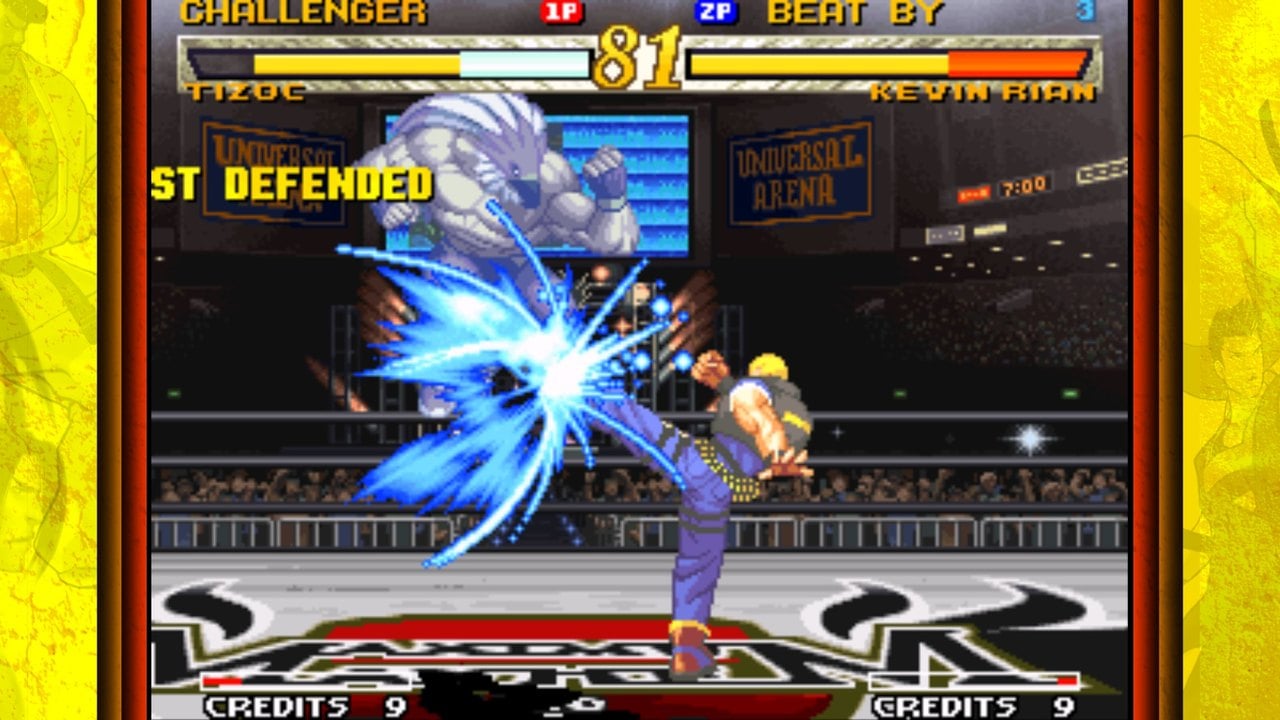
The King of Fighters, from ’94 to 2003, Garou: Mark of the Wolves, Samurai Shodown, The Last Blade, Fatal Fury and Art of Fighting. These are the games that get the most out of a two-player control panel with good joysticks.
Action and shoot ’em ups
Metal Slug 1 to 5, plus X, and Shock Troopers for two-player games. If shoot ’em ups are your thing, Blazing Star.
For a quick game with anyone
Puzzle Bobble, Windjammers and Neo Turf Masters. You can learn them in a minute, and they’re ideal when someone walks up to the machine for the first time. If you’re looking for games for more people, 4-player games on your arcade machine lists the ones that support four controllers.
If you’d rather buy the games
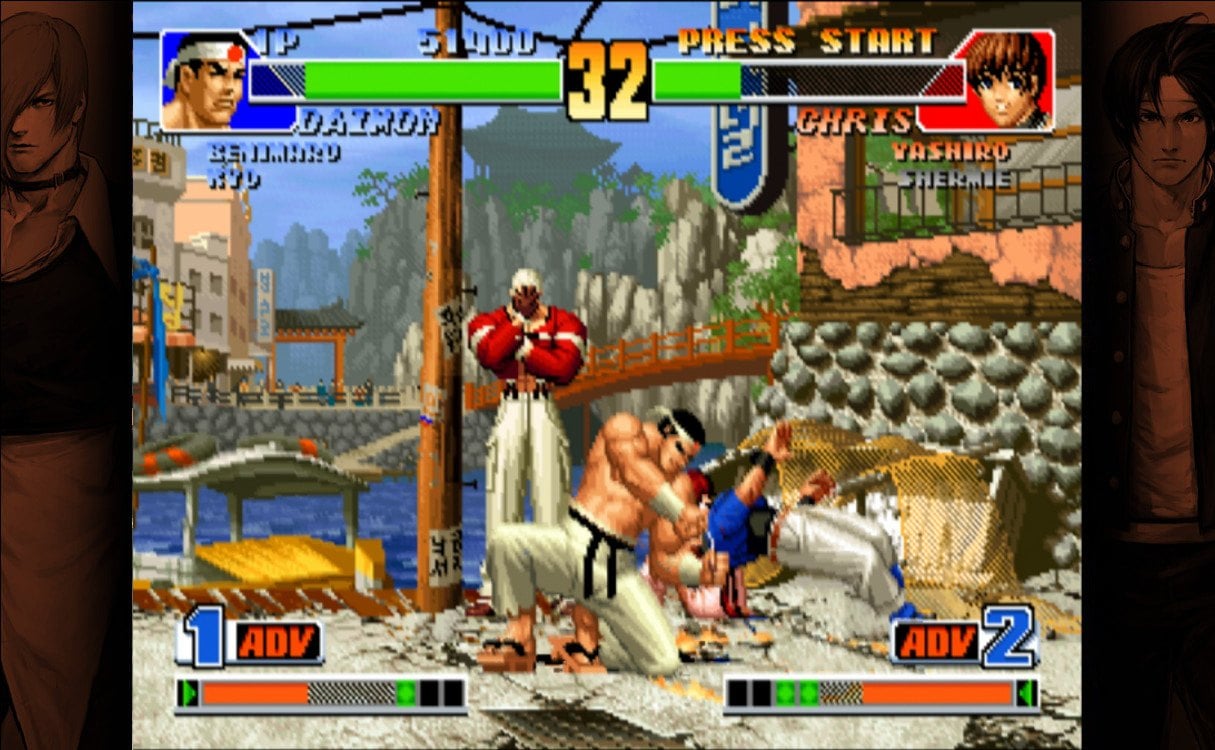
SNK sells Windows versions of several Neo Geo games on Steam: Metal Slug, Metal Slug 2, Metal Slug X, Metal Slug 3, Garou: Mark of the Wolves and the Samurai Shodown NeoGeo Collection, as well as The King of Fighters ’98 Ultimate Match Final Edition and The King of Fighters 2002 Unlimited Match, which are later revisions of those KOFs. On a bartop with a PC and Windows, you play them with the joystick like any other Steam game. Hamster’s ACA NEOGEO collection is not on Steam: it is available on consoles and on the Microsoft Store for Windows.
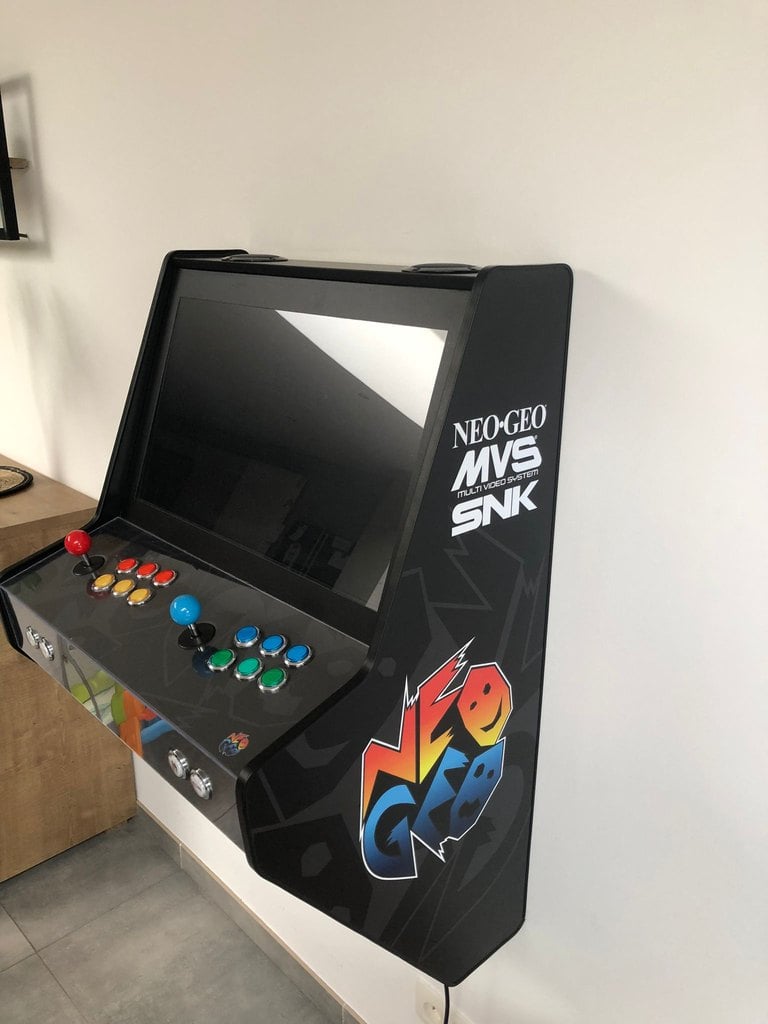
Give it the Neo Geo look
Frequently asked questions
Does it work on a Raspberry Pi?
Yes. It’s one of the systems that runs best on a Raspberry: the libretro documentation says FBNeo runs very well even on a Pi 3.
Which emulator should I use?
FBNeo, which is the default in both Batocera and RetroBat. MAME is the alternative.
Four per player. With six, as on most bartops, you’ll have some to spare.
Why does a game stay on a black screen or not start?
It’s almost always the BIOS: neogeo.zip is missing or isn’t from the same romset version as the game. The libretro documentation says that, of all the BIOSes in that file, the only essential one is “MVS Asia/Europe ver. 6 (1 slot)”.
Sources
Consulted in November 2026:
- Batocera wiki: Neo Geo, Neo Geo CD and automatic controller layouts.
- RetroBat wiki: Neo Geo.
- FinalBurn Neo: repository and libretro core documentation.
- MAME: Neo Geo driver.
- Hamster: ACA NEOGEO collection.