
 Español
 Français
 Deutsch
 Italiano
 Português
 Mega Packs
 Arcade Cabinet Kits
 Vinyls
 Monitors
 Arcade Stools
 Arcade Components
 T-Molding and U-Molding
 Gaming furniture
 Outlet
Emulators
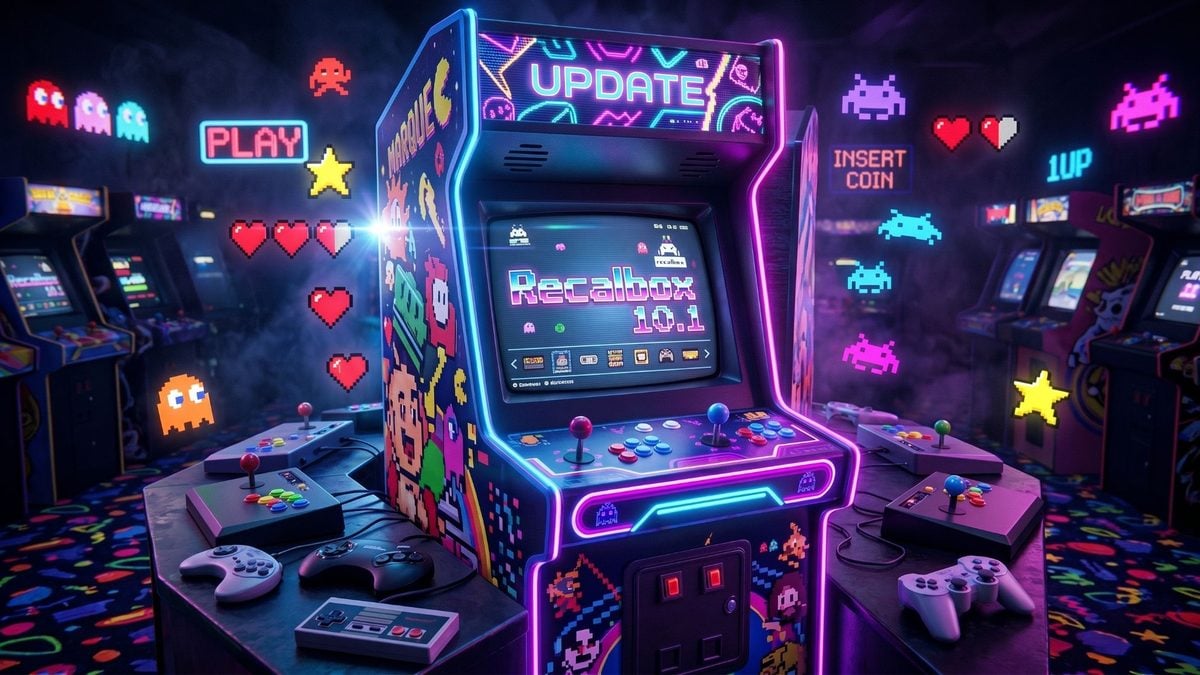
Recalbox 10.1: what’s new, what changes for your arcade machine and how to update
Oct
Recalbox has released version 10.1, the first big stable update since Recalbox 10 arrived in February. It came out on 4 September 2026, after several weeks of testing with its Patreon supporters, and on 18 September it was followed by 10.1.1, which fixes the bugs that had been turning up.
If you have an arcade machine at home, this is an interesting release: it greatly improves 3D arcade emulation on the Raspberry Pi 5, redesigns controller setup with arcade sticks in mind and introduces virtual systems for trackball and spinner games. Here is what it brings, what changes if you play on a bartop and how to update.
What’s new in Recalbox 10.1
3D arcade games at 60 fps on the Raspberry Pi 5
This is the improvement you notice most on an arcade cabinet. According to the Recalbox team, 99% of Naomi 2 and Sega Model 3 games run at 60 fps on a Raspberry Pi 5: Daytona USA 2, Scud Race, Virtua Fighter 4 and Initial D, among others. Until now these were games that needed a PC. Sega’s ST-V board also gets a new core, with better image quality and smoother play.
Setting up your controls is easier
Controller setup has been redesigned: first you choose whether you are configuring a gamepad or an arcade stick, and then Recalbox guides you step by step with a drawing of the controller on screen. This is exactly where people get stuck most when building their machine, so it is welcome.
Virtual systems by genre, and for trackball and spinner
On top of the usual systems, you can now browse your games by genre (fighting, racing, platform…). There are also virtual systems that group together spinner and trackball games, very handy if your machine has either of those controls.
- Logo view: in any system you can swap the text list for the games’ official logos.
- Manuals, maps and tips: from each game’s Start menu you can open its manual, its maps (where available) and tips.
Both need you to have downloaded the game information first with the scraper.
Recalbox Challenges
It replaces the old One Credit Challenge: every two weeks there is a new game with its own leaderboard. To keep it fair, save states, rewind and pause are disabled, and using a continue voids the score. Taking part requires a free Patreon account, which you link by scanning a QR code from the advanced settings.
Four new systems
Epoch Cassette Vision, Philips P2000t, Vircon32 and Exelvision EXL100.
For CRT and light gun players
- GunCon 2: a calibration screen when each game starts, a screen flash in games that lacked one (the gun needs it) and support for 31 kHz CRT monitors as well as 15 kHz ones.
- Recalbox JVS: their board for connecting the Raspberry Pi 5 to arcade cabinets with a JVS connector (the standard in Japanese arcade machines) now has native support and its own firmware, with joysticks, guns and wheels.
Install to another drive
The “Install To” option in the menu installs Recalbox on any connected drive, internal or USB.
What Recalbox 10.1.1 fixes
- CRT: Naomi 2 games such as Initial D or Virtua Fighter 4 are shown full screen and at normal speed, and Dreamcast, Naomi and Atomiswave are scaled down to 240p without losing pixels.
- GunCon 2: with two guns, calibration is done player by player, and in MAME the emulator’s crosshair no longer appears on top of the game’s.
- Challenges: your score is no longer lost if the game takes a while to start, and scores, initials and credits are read correctly in more games.
- Other fixes: PSP, Amiga and ZX Spectrum emulation, virtual keyboards, logo view, the mupen64plus-nx Nintendo 64 core and the Bluetooth controllers of some handheld consoles (RG353, RG503, RG ARC and Powkiddy).
What changes if you have an arcade machine with Recalbox
- If you use a Raspberry Pi 5, it is worth updating: you gain the Naomi 2 and Model 3 games, which is where a home-built arcade machine usually falls short.
- If you are setting up your controls for the first time, the new arcade stick wizard will save you a lot of head-scratching. The joysticks and buttons connect to the Raspberry Pi via USB with a Zero Delay interface, and Recalbox recognises it as just another controller.
- If you are torn between Recalbox, Batocera or another system, our guide to the best arcade emulation systems compares them, and in What system for arcade machine? we help you choose between Pandora, Raspberry Pi and PC.
What about Recalbox 11?
On 10 October Recalbox 11-patron-1 came out, a test version for Patreon supporters only. It brings online play (rooms, friends, ranked matches and tournaments), a new media centre that replaces Kodi, the Sega Model 1 and Model 2 systems, and support for force feedback steering wheels. It does not have a release date for everyone yet; when the stable version comes out, we will tell you about it here.
Recalbox 10.1 FAQ
How do I update to Recalbox 10.1.1?
If you already have Recalbox 10, you can update from the system’s own updates menu. If you are coming from an older version or prefer to start from scratch, download the new image from the official Recalbox website and write it to the card. Before you do, back up your saves and your settings.
Does it work on a Raspberry Pi 4?
The announcement gives no figures for the Raspberry Pi 4: the improvement in Naomi 2 and Model 3 3D games was measured on the Raspberry Pi 5. For those games, the Pi 5 is the right choice.
Do I have to pay to use Recalbox?
No. Recalbox is free. Patreon supporters get the test versions before anyone else, and Challenges only require a free Patreon account.
Sources
- Recalbox: “Officiel: Recalbox 10.1 is available” (4/09/2026)
- Recalbox: “Official: Recalbox 10.1.1 is available” (18/09/2026)
- Recalbox: “Recalbox 11-patron-1” (10/10/2026)