
 Español
 Français
 Deutsch
 Italiano
 Português

 Mega Packs
 Arcade Cabinet Kits
 Vinyls
 Monitors
 Arcade Stools
 Arcade Components
 T-Molding and U-Molding
 Gaming furniture
 Outlet
Emulators
Which monitor to put in your arcade machine: size, cabinet opening, VESA and hertz
Nov
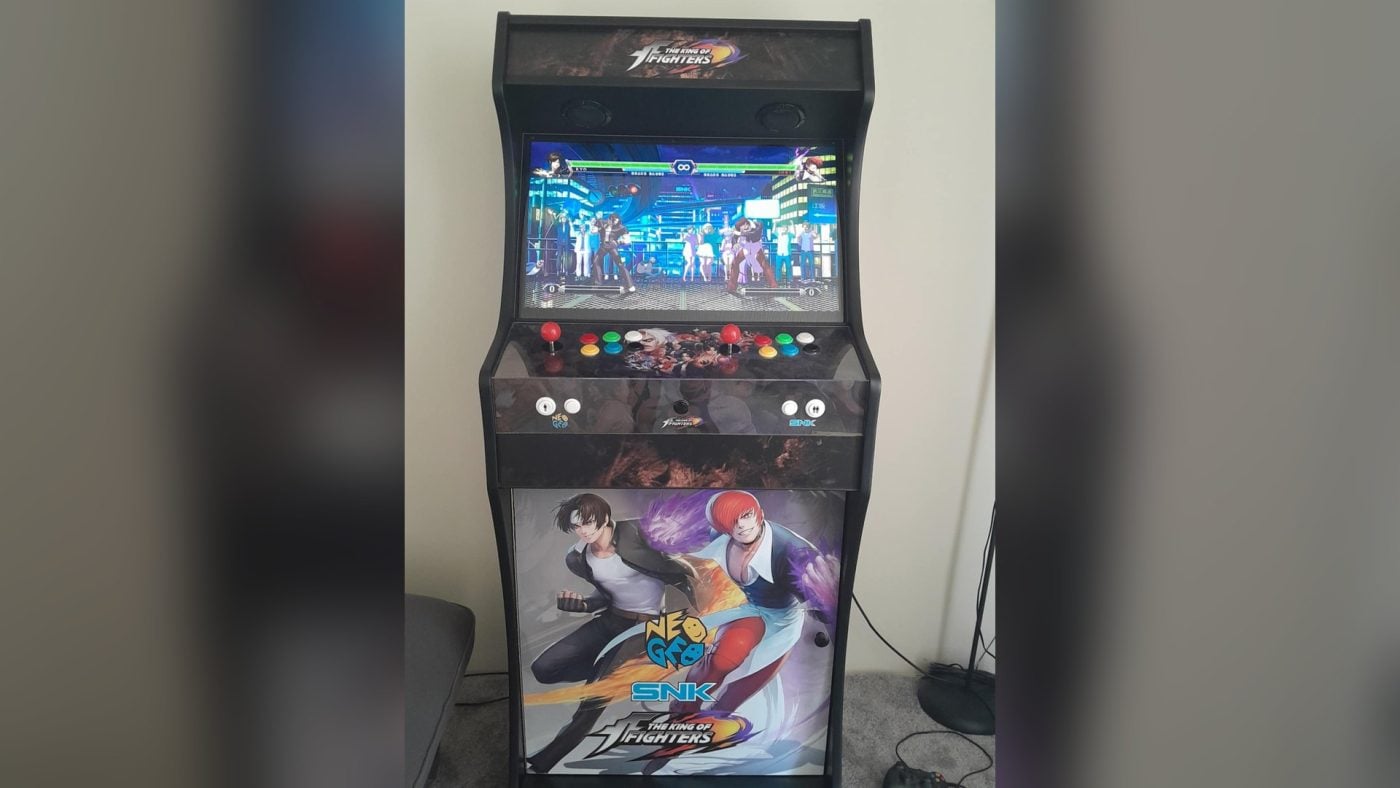
The monitor is the most visible part of an arcade machine, and when you build one it’s also what raises the most questions: how many inches, whether it fits in the cabinet, how it’s held in place and whether you need lots of hertz. The short answer is that the cabinet sets the size, and any Full HD monitor with a VESA mount that’s smaller than the opening will do.
In this guide we explain which monitor each of our kits takes, how to check that yours fits, what to look for on the spec sheet and what to adjust in Batocera. The measurements come from the product pages of our kits and monitors. The technical details come from the Batocera and libretro documentation, consulted on 4 November 2026.
The cabinet sets the size
Each kit is designed for one monitor size. Its product page shows the recommended monitor and the measurements of the monitor opening:
| Cabinet | Monitor | Opening (width × height) |
|---|---|---|
| up to 10.1″ | 28 × 17.5 cm | |
| Player One | up to 12″ | 30 × 24 cm |
| Mini | 19″ (4:3) | 47.5 × 36.5 cm |
| Premium | 21.5″ | 52 × 34 cm |
| Light | 24″ | 58 × 38 cm |
| Nova | 24″ | 60 × 38 cm |
| King | 24″ | 60 × 39.5 cm |
| Wallcade | 24″ | 60 × 40 cm |
| Pandora Edition | 24″ | 61.5 × 38 cm |
| Big Wallcade | 24″ | 61.5 × 43 cm |
| King XL | 27″ | 63 × 39.5 cm |
| Titan | 32″ | 80 × 47 cm |
The versions with a pedestal have the same recommended monitor as the bartop on its own.
How to tell if your monitor fits
Inches measure the diagonal of the picture, not of the monitor. The AOC 24B31H, for example, is 23.8 inches, which is 60.5 cm diagonally. To find out whether it fits, measure the width and height of the monitor on the outside, including the bezel and without the stand, and compare them with the opening in the table. If the monitor is smaller than the opening, it fits.
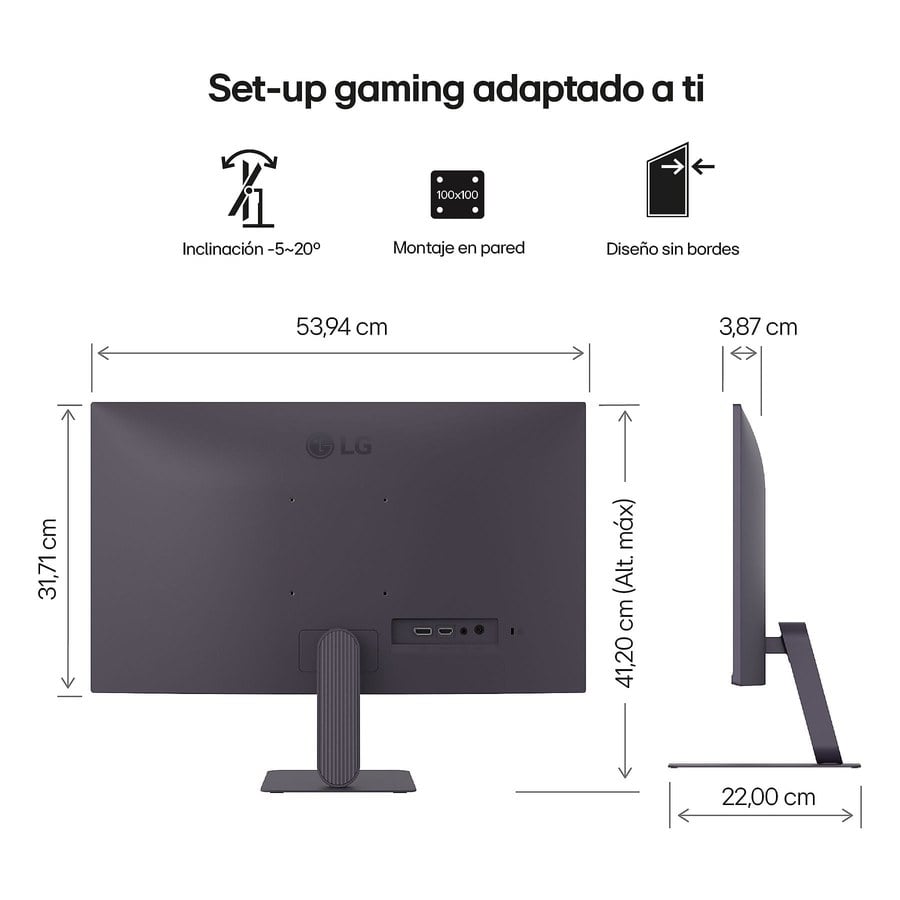
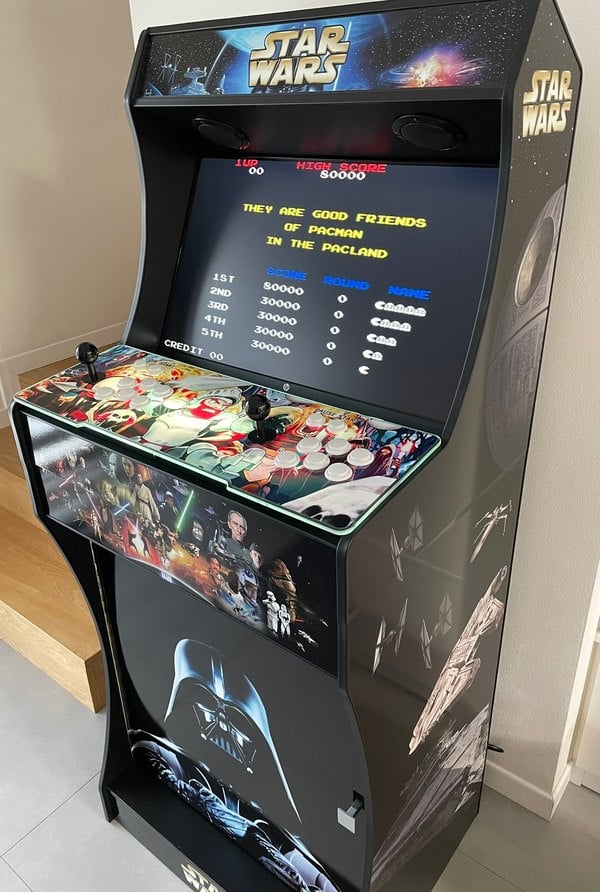
An example using the image above: the LG UltraGear 24G411A measures 53.94 × 31.71 cm without the stand, and the King’s opening is 60 × 39.5 cm, so it fits with room to spare. Another: the 21.5″ MSI Pro MP223 measures 49.2 × 32.8 cm, and the Premium’s opening, 52 × 34.
We don’t make custom-sized openings. If your monitor doesn’t fit, the solution is the cabinet for its size: the King XL for a 27″ one or the Titan for a 32″ one.
Make sure it has a VESA mount
Our kits come with a VESA board with 75 and 100 holes, fixed to both side panels with brackets. The monitor screws onto that board from behind, just as it would onto a wall bracket, so it needs a 75 × 75 or 100 × 100 mm VESA mount. It’s listed on each monitor’s spec sheet, and you can recognise it by the four holes on the back.
16:9 and Full HD
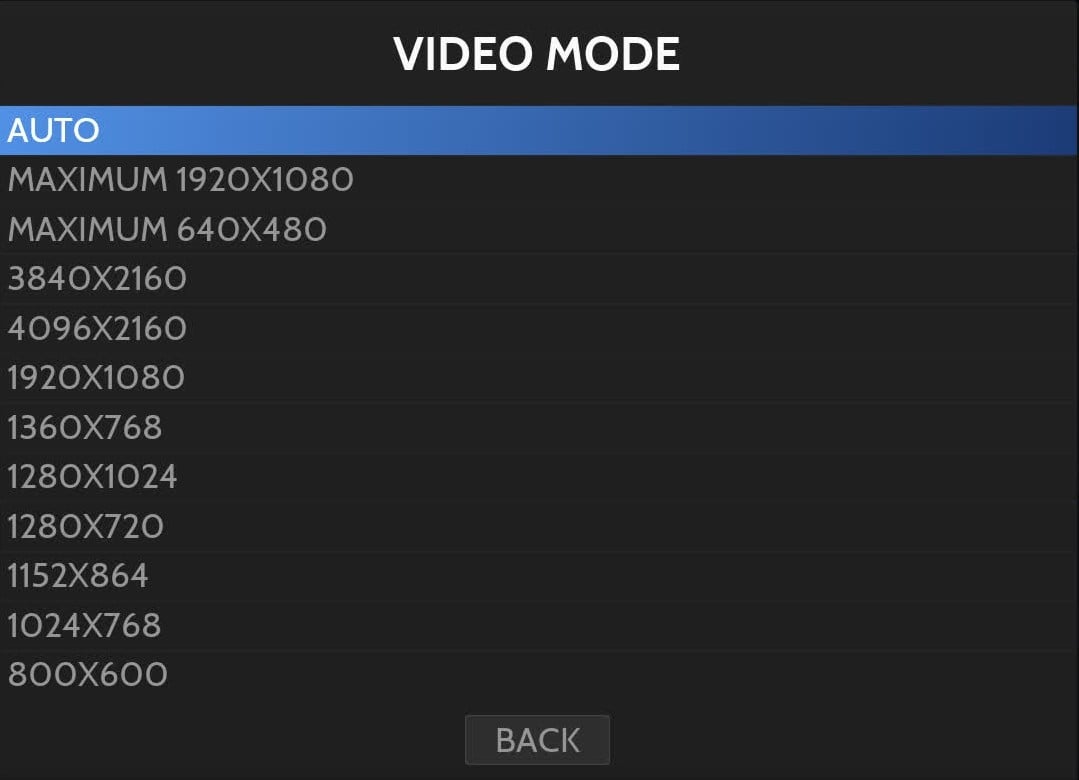
For a bartop the usual choice is a 16:9 widescreen monitor with Full HD resolution (1920 × 1080), and that’s what all the ones we sell are. The Batocera wiki says that 1920 × 1080 is more than enough for the emulators, even the most recent ones, and warns that a 4K resolution costs performance. If your screen is 4K, the wiki recommends setting 1920 × 1080 in GAME SETTINGS > VIDEO MODE.
IPS panel, so it can be seen from the sides
On a bartop two people play side by side, and there’s often someone standing and watching. IPS panels keep their colours when viewed from the side: the Nilox NXM27FHD11, for example, advertises a 178-degree viewing angle. Almost all the monitors we sell are IPS.
Hertz: 60 is enough, and VRR helps
More hertz don’t make an arcade game go faster, as it runs at its own speed. Many arcade games didn’t even run at exactly 60 Hz: the libretro documentation mentions the Mortal Kombat games, which need about 54 Hz, and gives the example of a game made for 57.5 Hz. According to the same documentation, at 60 or 120 Hz synchronisation is simple, and with refresh rates that aren’t a multiple of 60, such as 75 or 144 Hz, motion is only smooth with VRR turned on.
The Batocera wiki explains that, if the monitor reaches 120 Hz or more, Batocera uses them in the menus, but in-game it stays at 60 Hz by default.
What you do notice is VRR (FreeSync, G-Sync or Adaptive Sync): the screen refreshes at the game’s pace, so it runs at its original speed and without stuttering. The AOC 24B31H and the LG UltraGear monitors, for example, have it. In Input lag on your arcade machine we explain how to turn it on.

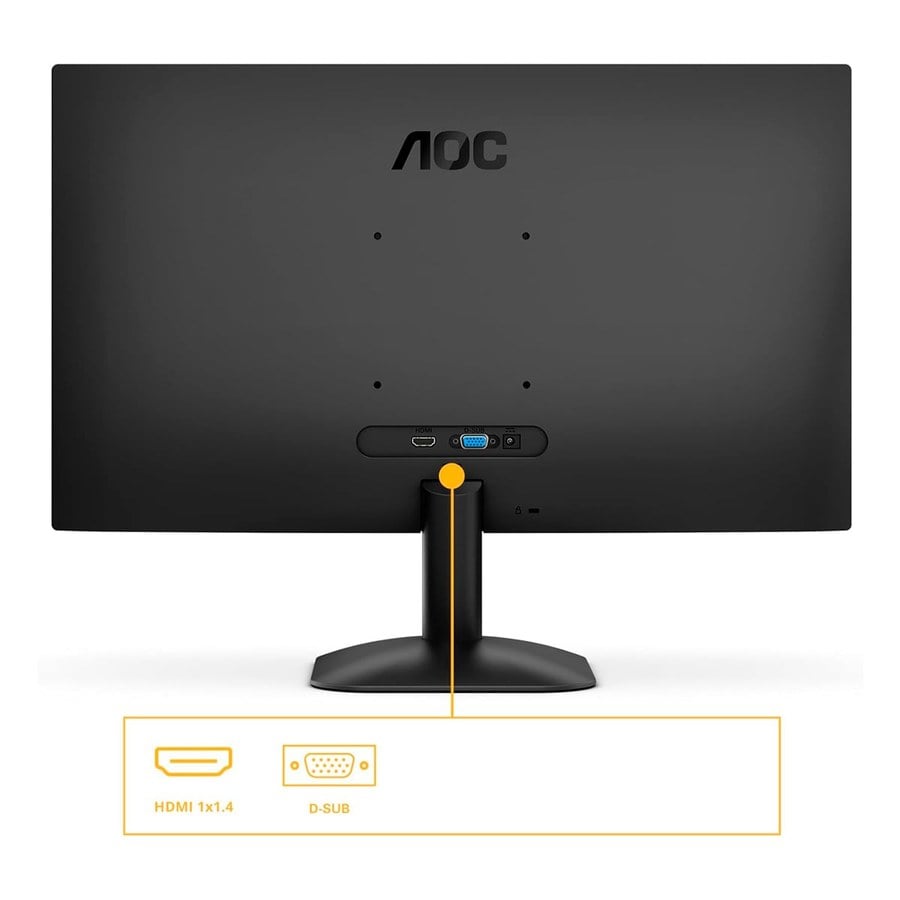
- HDMI: this is the input you’ll use with a Raspberry Pi, a mini PC or a Pandora. Many monitors also have VGA, which works with older boards.
- Connections and buttons within reach: inside the cabinet, the monitor’s cable and buttons need to stay accessible. The AOC 24B31H, for example, has its connections facing backwards and its buttons on the bottom edge.
- Speakers: some have them, such as the Philips 27E1N1100A (2 × 2 W). If you’d rather have separate speakers, there’s our sound kit with amplifier and 3″ speakers.
What about a TV?
It can work, but the libretro documentation warns that the picture modes TVs come with from the factory add lag: on budget LED TVs, around 40 to 70 milliseconds. PC monitors don’t have that problem. If you use a TV, turn on its Game mode. The Batocera wiki adds another warning: most TVs have a setting that enlarges the picture slightly, and sometimes it’s left on and cuts off the edges. You can turn it off in the TV’s settings, under names such as “Just scan”, “Overscan” or “Zoom”.
On your bartop
Frequently asked questions
Can I fit a bigger monitor than the recommended one?
If it’s smaller than the opening, yes. If not, you’ll need the cabinet for its size, because we don’t make custom-sized openings.
Do I need a 144 Hz monitor?
No. According to its wiki, Batocera runs games at 60 Hz by default. What you notice most is VRR, which many gaming monitors have.
Is the monitor included in the kit?
No. The kit comes with the VESA board to mount it on, and the monitor is bought separately.
Does it work if I play with a Pandora?
Yes. It connects to the monitor via HDMI, just like a Raspberry Pi or a mini PC.
Sources
Consulted in November 2026:
- OmniRetro: product pages for the kits (recommended monitor and opening measurements) and for the AOC 24B31H, LG UltraGear 24G411A, MSI Pro MP223, Philips 27E1N1100A and Nilox NXM27FHD11 monitors and the 9″ screen.
- Batocera wiki: display issues and latency and performance.
- libretro: synchronisation and playing on a TV.