
 Español
 Français
 Deutsch
 Italiano
 Português

 Mega Packs
 Arcade Cabinet Kits
 Vinyls
 Monitors
 Arcade Stools
 Arcade Components
 T-Molding and U-Molding
 Gaming furniture
 Outlet
Emulators
Vertical games on your arcade machine: how they look on a bartop and what to adjust in Batocera and RetroBat
Nov
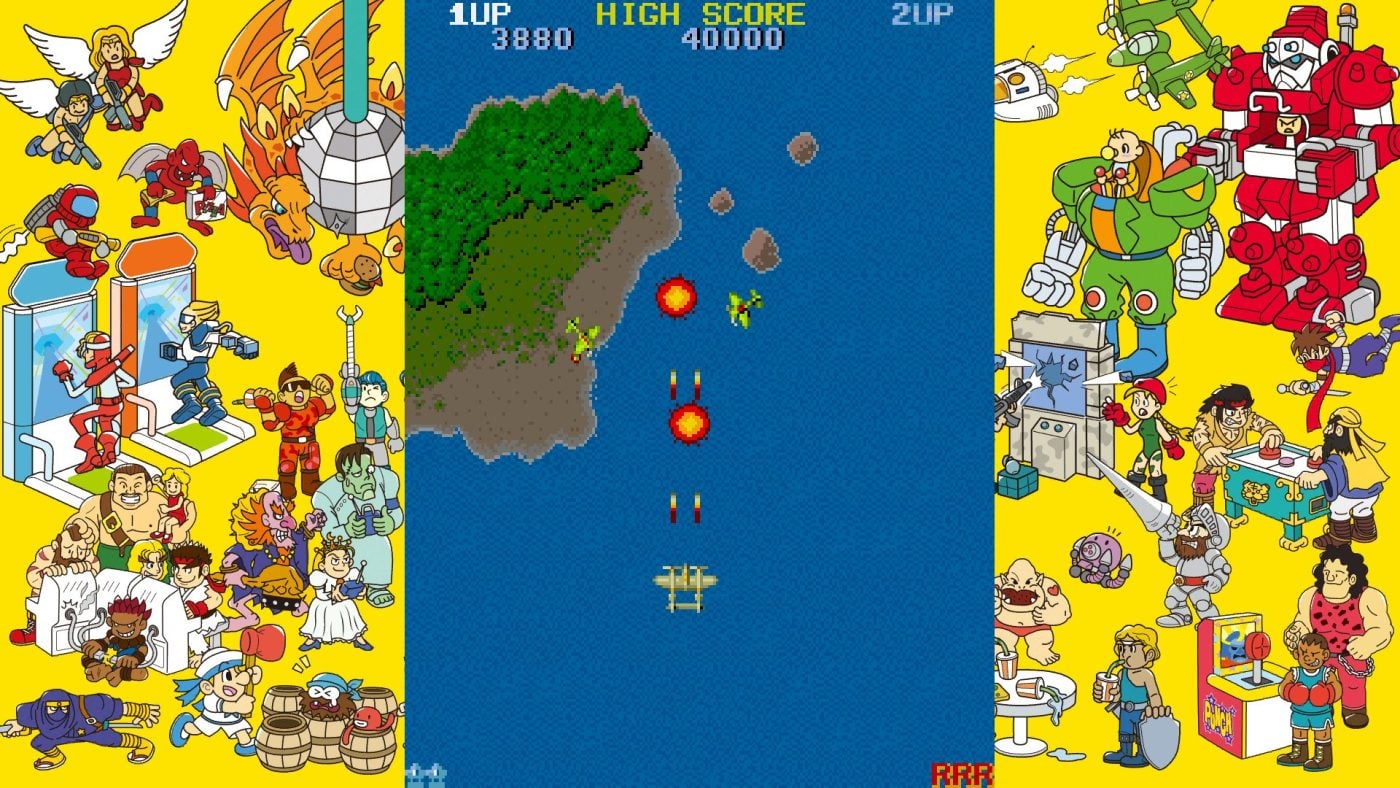
Pac-Man, Galaga, Donkey Kong and 1942 were played on arcade cabinets with the monitor turned on its side, and their screen was taller than it was wide. On a bartop with the monitor in landscape they play just as well, but they take up less than half the width, and it’s worth knowing which settings to change so they don’t come out sideways or stretched.
In this guide we explain which games are vertical, how they look on your machine, how to fill the sides of the screen and what to do if one comes out wrong. The information comes from the MAME source code, the FBNeo documentation and the Batocera and RetroBat wikis, checked on 3 November 2026.
What is a vertical game
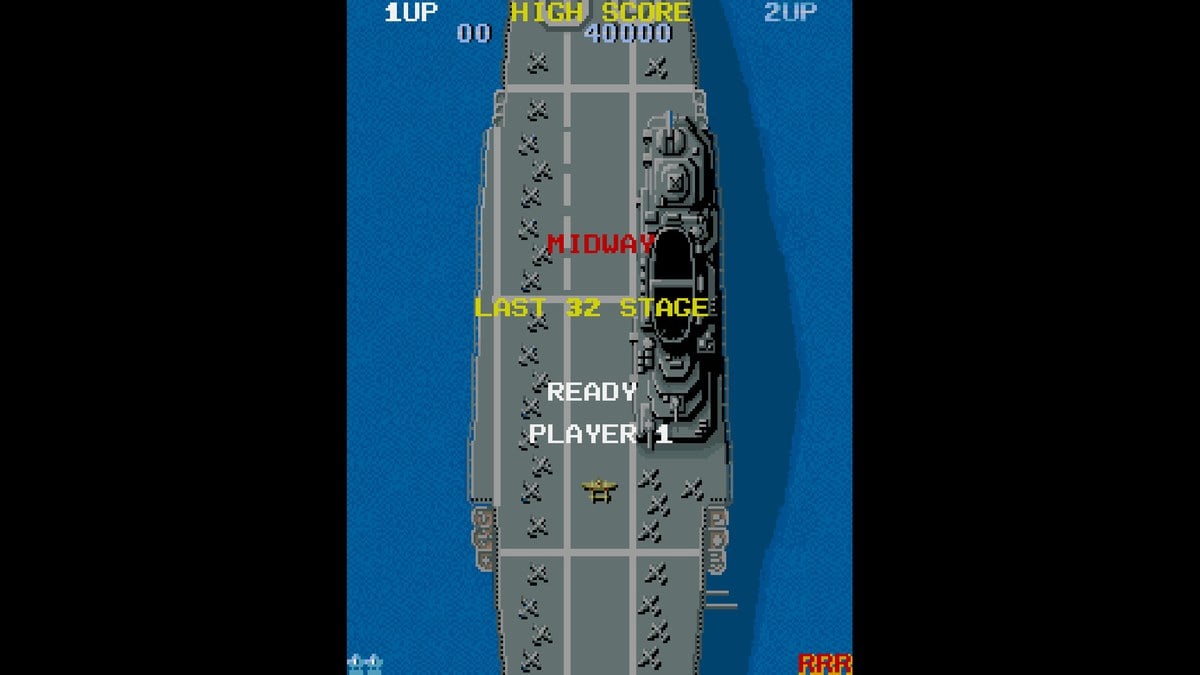
In vertical arcade cabinets, the monitor was rotated 90 degrees and the screen was taller than it was wide. MAME, the reference arcade emulator, stores each game’s orientation in its code: ROT0 if it isn’t rotated, and ROT90 or ROT270 if it is. These are some well-known games that MAME marks as vertical:
- Space Invaders (1978), Pac-Man (1980), Galaga and Donkey Kong (both from 1981).
- 1942 (1984), Commando (1985) and 1943 (1987), by Capcom.
- Raiden (1990), by Seibu Kaihatsu, and 19XX: The War Against Destiny (1996), from Capcom’s CPS2.
Not every plane game is: 1944: The Loop Master, which came out after 19XX, isn’t rotated (ROT0).
How it looks on your bartop
On a bartop the monitor is in landscape, so the emulator places the game in the centre, using the full height of the screen and keeping its original shape. A 4:3 monitor turned on its side becomes 3:4, and the maths is simple: on a 16:9 widescreen monitor, the game takes up 42% of the width; on a 4:3 one, 56%. That’s what you can see in the screenshot above.
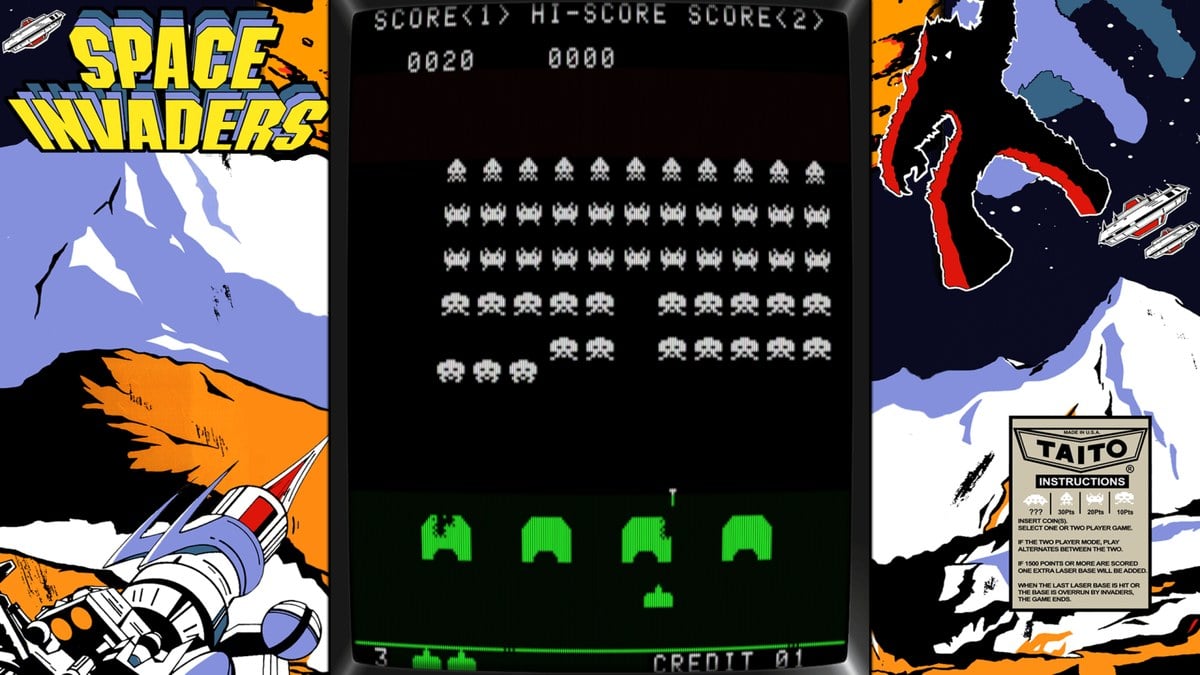
You can stretch it to fill the screen, but then the characters, ships and bullets get wider. For 4:3 games on 16:9 screens, the Batocera wiki suggests something else: instead of stretching the image, fill the space at the sides with a background.
How to fill the sides
These backgrounds are called decorations (bezels), and both systems include them as standard:
- Batocera: in the game settings, in the decorations section (DECORATION SET if your menu is in English). It comes with old TV and arcade hall themes, and it integrates with The Bezel Project, which has frames for each system and, in many cases, for each game. Those are downloaded from UPDATES & DOWNLOADS. The wiki warns that the ones from The Bezel Project are designed for a 16:9 screen at 1080p with integer scaling turned on.
- RetroBat: in GAME SETTINGS, under Decorations, and also for each system or each game from its advanced options. As well as The Bezel Project, it comes with two decorations for these games: ARCADE VERTICAL and ARCADE 1980S VERTICAL.
If a game comes out sideways or stretched
The documentation for RetroArch’s FBNeo core asks for two settings for vertical games: rotation must be allowed (Allow rotation, in the core settings) and the aspect ratio must be the one provided by the core (Core provided). According to its code, Batocera already leaves rotation allowed. If you changed the aspect ratio in the game settings and a vertical game comes out distorted, switch back to the core’s. In RetroBat, both settings are in the RetroArch configuration.
With the MAME core it isn’t needed, according to the same documentation. And if you use a decoration pack with FBNeo, it warns that some were made for MAME’s way of rotating, so it’s worth checking that they’re compatible.

What if I rotate the screen?
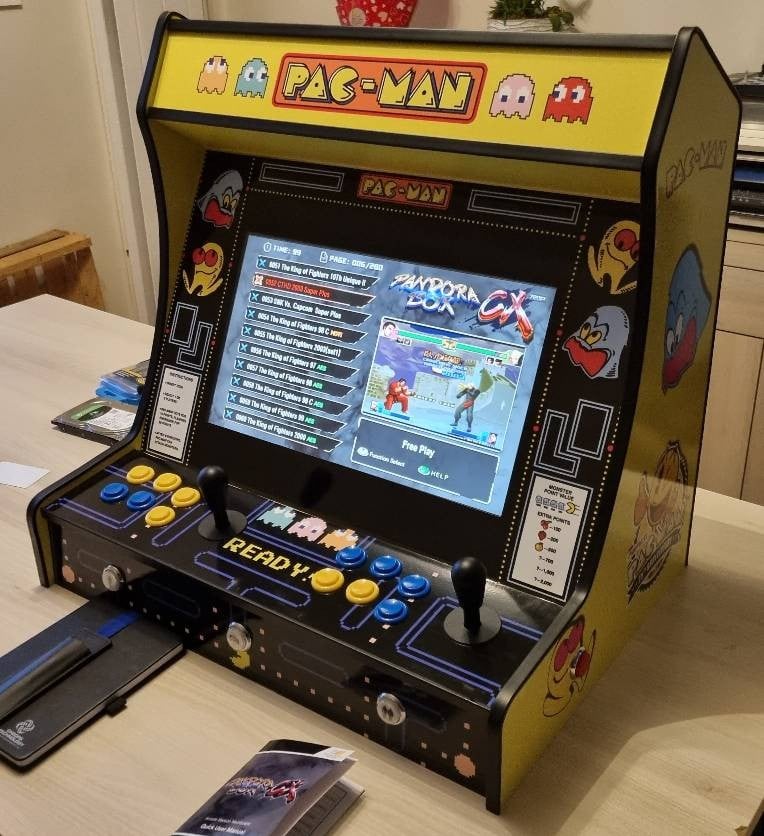
In our kits, the monitor sits on a VESA board fixed to both side panels, in landscape. If you have a screen in portrait, the settings to rotate the image are there too:
- Batocera rotates the whole image with the display.rotate line in its batocera.conf file, from 0 to 3, in 90-degree steps.
- MAME has the TATE MODE option, which rotates the game 90 or 270 degrees.
- FBNeo has the Vertical Mode option, in its video settings. Its documentation recommends it over rotating the image from RetroArch, which can get the aspect ratio wrong.
On your bartop
Frequently asked questions
Why does a vertical game look so narrow?
Because it keeps its shape: on a 16:9 screen it takes up 42% of the width.
Should I stretch it to fill the screen?
Better not, because it gets distorted. Fill the sides with a decoration.
Do I have to rotate the monitor?
No. Vertical games work with the monitor in landscape, in their original shape.
Does this work if I play on a Pandora?
No. These settings are for Batocera and RetroBat, and Pandora boards run their own closed system.
Sources
Checked in November 2026:
- MAME: orientation definition and code for Space Invaders, Pac-Man, Galaga, Donkey Kong, 1942, Commando, 1943, Raiden and 19XX and 1944.
- FBNeo: libretro core FAQ.
- Batocera wiki: decorations, settings menu and MAME.
- Batocera: batocera.conf file and RetroArch launcher.
- RetroBat wiki: decorations.