
 Español
 Français
 Deutsch
 Italiano
 Português

 Mega Packs
 Arcade Cabinet Kits
 Vinyls
 Monitors
 Arcade Stools
 Arcade Components
 T-Molding and U-Molding
 Gaming furniture
 Outlet
Emulators
Capcom CPS1, CPS2 and CPS3 on your arcade machine: which emulator to use, how to set up the six buttons and what to play
Nov
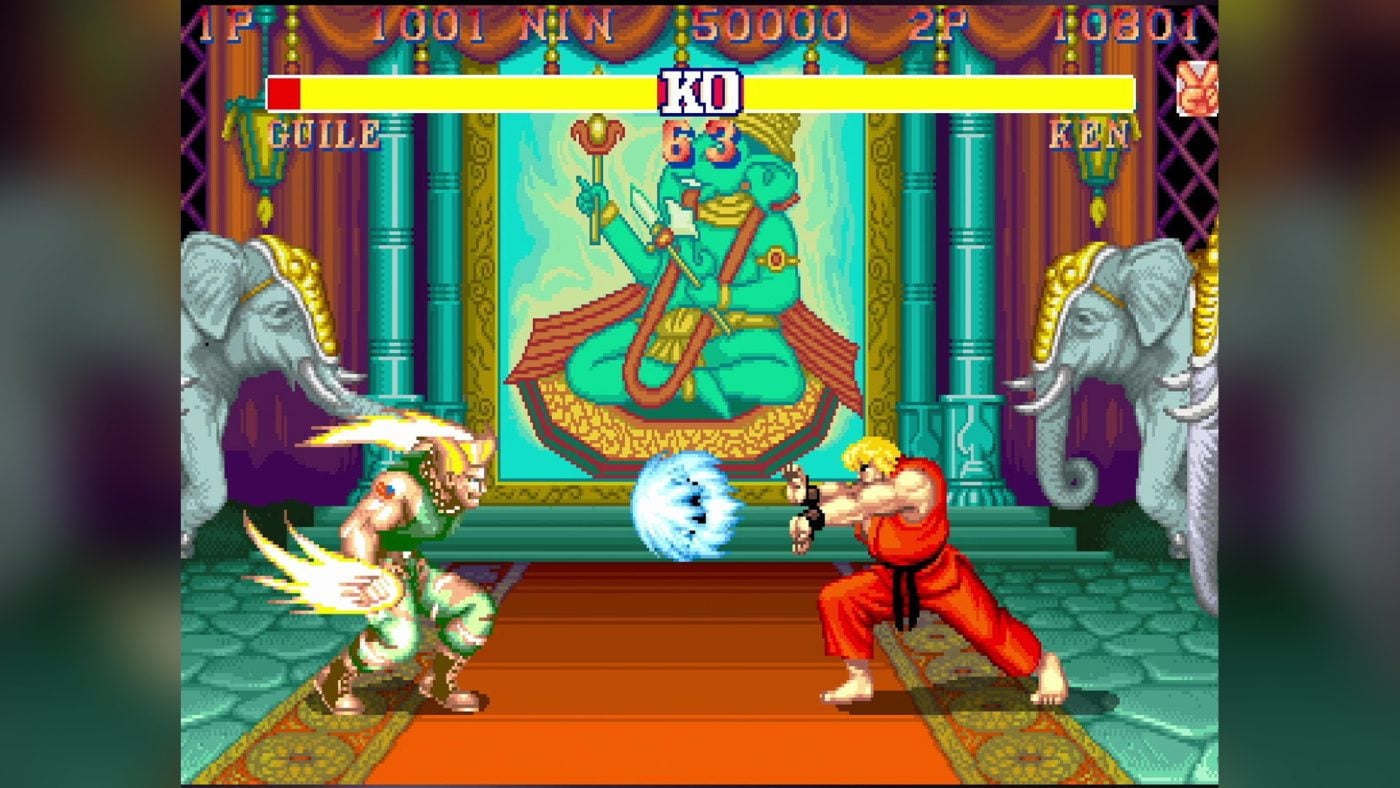
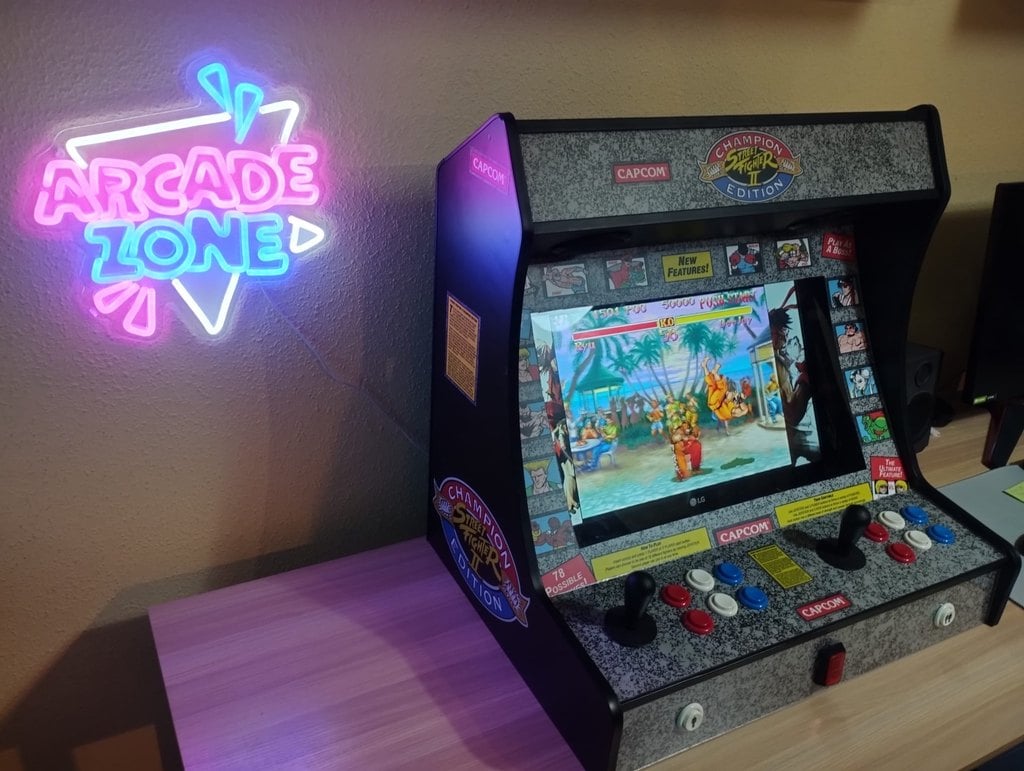
Street Fighter II, Final Fight, Ghouls’n Ghosts, Marvel vs. Capcom, Street Fighter III 3rd Strike… Almost everything Capcom put in the arcades between 1988 and 2004 came from three boards: CPS1, CPS2 and CPS3. They’re the reason a bartop has six buttons per player, and luckily they’re very well emulated.
In this guide we explain what each board had, which emulator to use in Batocera and RetroBat, how to lay out the six buttons and what to play. The information comes from each project’s documentation and from the MAME source code, checked on 3 November 2026. You need your own copies of the games: we don’t link to ROMs or downloads here.
Three boards in a nutshell
- CPS1 (CP System) arrived in 1988, with games such as Forgotten Worlds and Ghouls’n Ghosts. It gave us Strider, Final Fight, Street Fighter II with its Champion Edition and Hyper Fighting versions, Cadillacs and Dinosaurs and The Punisher.
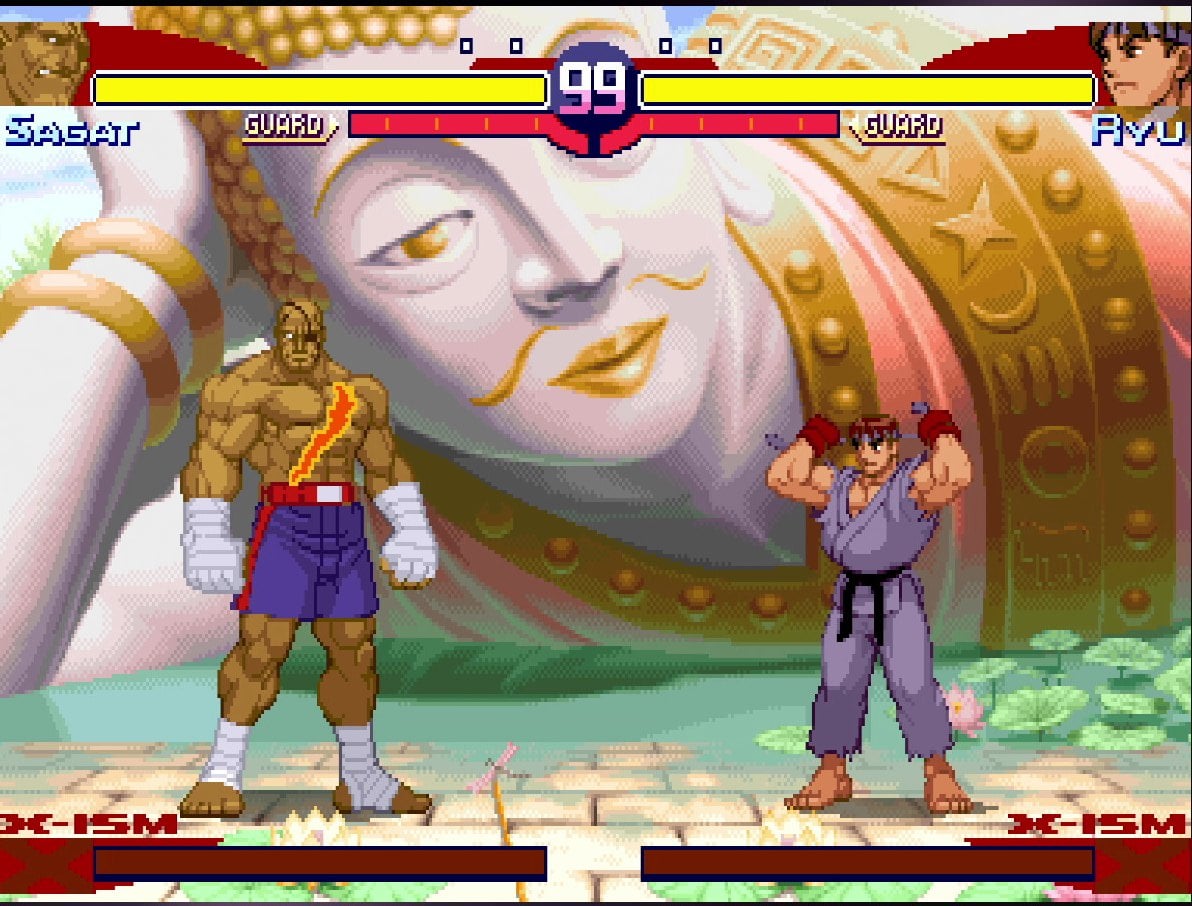
- CPS2 ran from 1993 to 2004, from Super Street Fighter II to Hyper Street Fighter II, with about 50 games. Its program was encrypted and the key was stored in battery-backed memory: when the battery runs out, the board stops working. This is where the Street Fighter Alpha series, Darkstalkers, X-Men vs. Street Fighter, Marvel vs. Capcom, Dungeons & Dragons: Shadow over Mystara, 19XX and 1944 come from.
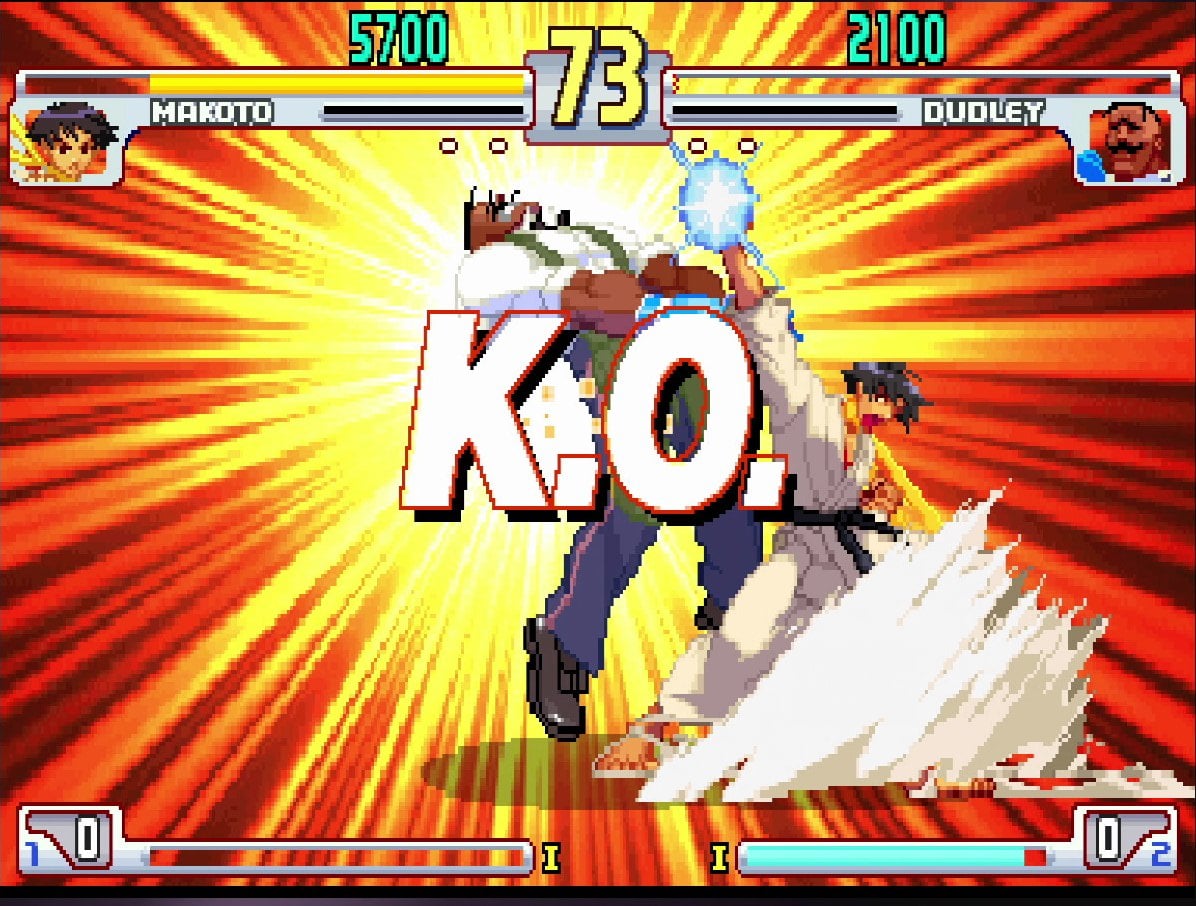
- CPS3 was used from late 1996 to 1999 and had only six games: Red Earth, Street Fighter III New Generation, 2nd Impact and 3rd Strike, and the two JoJo’s games. It loaded its games from a CD and had a security cartridge so sensitive to static electricity that, according to the MAME source code, most of them ended up failing.
Which emulator to use
- FinalBurn Neo (FBNeo) emulates all three boards and is the most convenient option. According to the libretro documentation, it runs very well even on modest hardware such as a Raspberry Pi 3, and with it you don’t have to spend about 20 minutes “installing” the CPS3 games.
- MAME emulates all three as well. For CPS3, its CD versions also need a disc image in CHD format.
On Batocera
Batocera doesn’t have a separate system for CPS: the games go in the fbneo folder, which uses RetroArch’s FBNeo core by default, or in the MAME one. Each game has to be from the same romset version as the emulator; in Batocera 43, FBNeo’s is 1.0.0.3. The games are left compressed as zip or 7z.
On RetroBat
RetroBat does separate CPS1, CPS2 and CPS3, each with its own folder, and offers FBNeo as the first option. Its wiki makes it clear that these systems don’t need a BIOS.
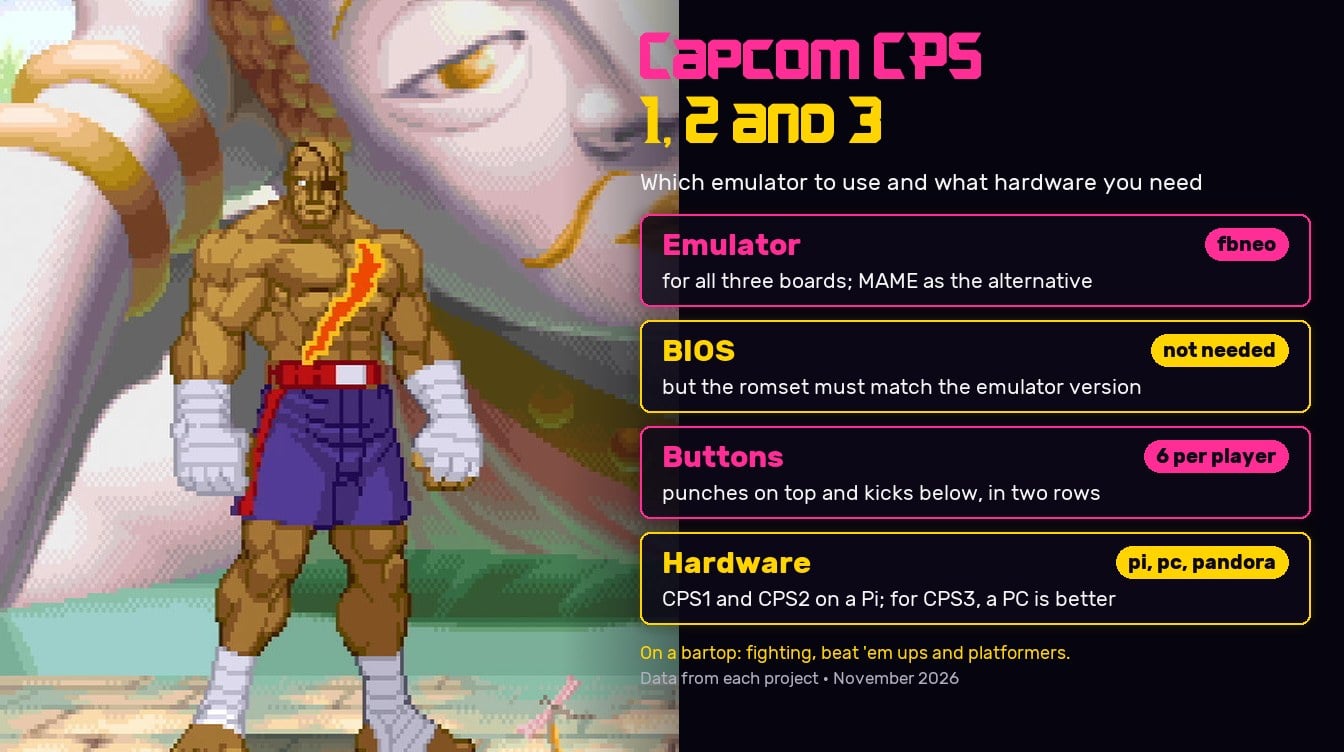
Capcom’s fighting games use six buttons in two rows of three: punches on top, from light to heavy (Jab, Strong and Fierce in Street Fighter II), and kicks underneath (Short, Forward and Roundhouse). That’s how MAME defines them. Many other games use fewer: 19XX and 1944, two buttons; Progear, three; Shadow over Mystara, four.
For everything to fall into place, set up your bartop’s controls with the top row as Y, X and L, and the bottom row as B, A and R. That’s what the FBNeo documentation for libretro recommends with a six-button control panel. If your panel has eight, the Batocera wiki recommends the “Modern Fightstick” style for cabinets: Y, X, R1 and L1 on top, and B, A, R2 and L2 underneath. With MAME, Batocera also applies an automatic “Capcom 6-Button” layout to six-button games.
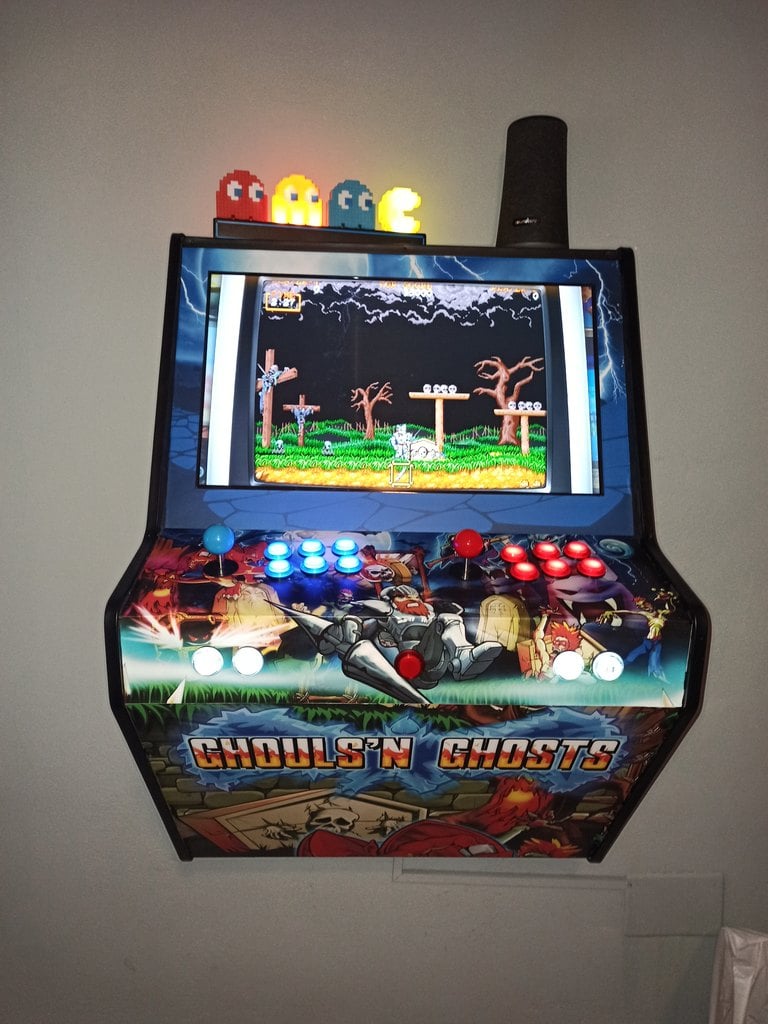
If you’re building the control panel, our joystick and button kits have everything you need, and if you want the game to show, we also have the Street Fighter control panel vinyl.
What hardware you need
- Raspberry Pi: CPS1 and CPS2 run well; the libretro documentation says FBNeo runs very well on a Pi 3. For CPS3 we haven’t found any measured data on a Raspberry, so we can’t guarantee it.
- Mini PC: handles all three boards without any trouble. In What PC do I need for emulation? you’ll find the requirements for each system.
- Pandora boards: come with lots of Capcom games already installed. The Pandora Box EX list includes, among others, Street Fighter II, the Alpha series, Street Fighter III New Generation, 2nd Impact and 3rd Strike, Red Earth, Final Fight, Cadillacs and Dinosaurs, The Punisher, Ghouls’n Ghosts, Strider, Three Wonders, Darkstalkers, X-Men, Marvel vs. Capcom, 19XX and 1944.
If you’re choosing what to put in your machine, in Which system should I choose for my arcade machine? we compare Pandora, Raspberry and PC.
What to play on a bartop
Fighting
Street Fighter II in all its versions, the Street Fighter Alpha series, Street Fighter III 3rd Strike, Darkstalkers, X-Men vs. Street Fighter and Marvel vs. Capcom. These are the ones that make the most of the six buttons and a two-player control panel.
Beat ’em up
Final Fight, Cadillacs and Dinosaurs, The Punisher, Captain Commando and Shadow over Mystara. Some support three or four players; in 4-player games on your arcade machine we explain how to set them up.
Platformers and shoot ’em ups
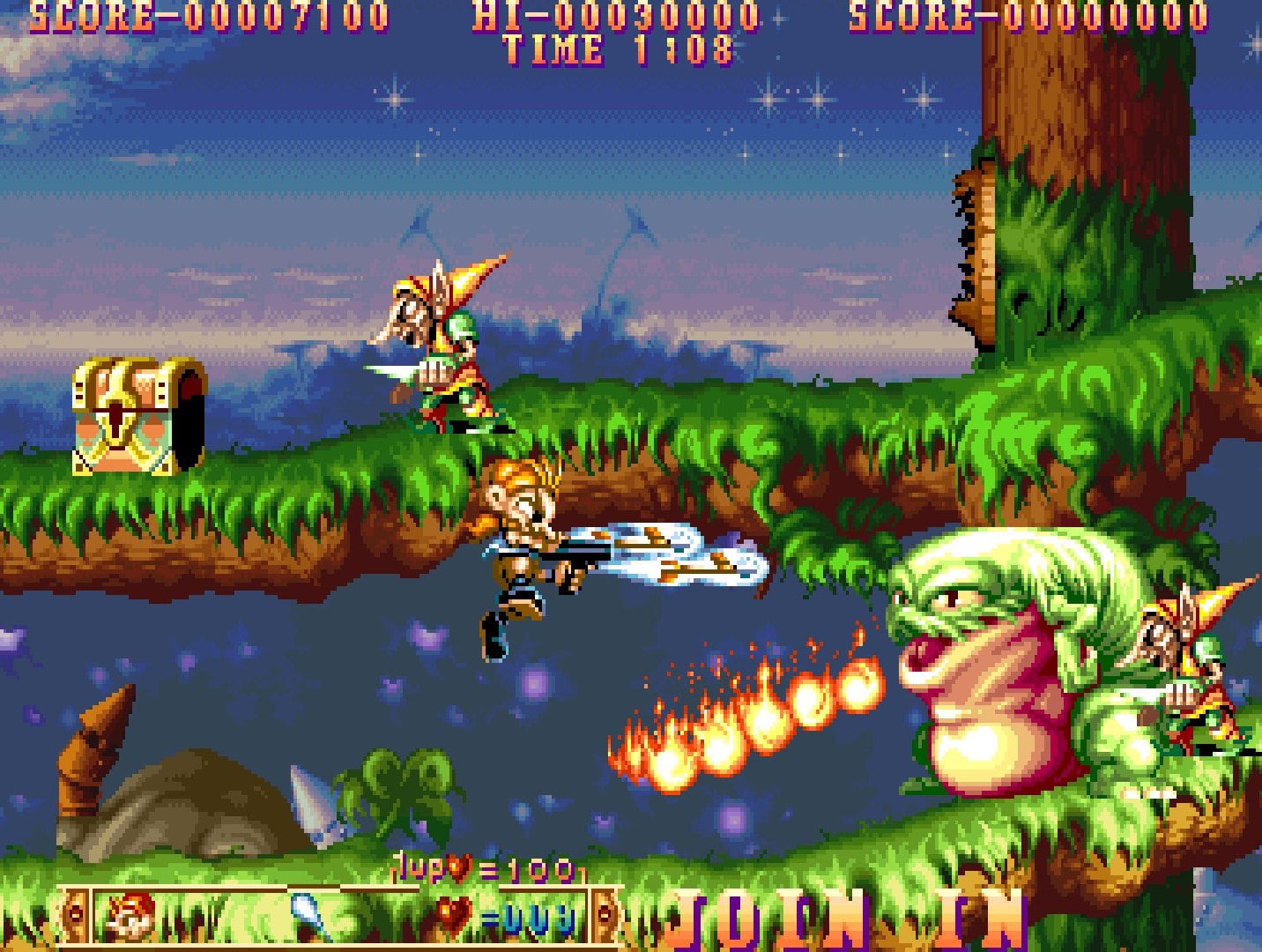
Ghouls’n Ghosts, Strider and Three Wonders, which brings together three games in one, including the action game Midnight Wanderers. For shoot ’em ups, 19XX, 1944 and Progear.
If you’d rather buy the games
Capcom sells several collections with these games on Steam: the Street Fighter 30th Anniversary Collection, with Street Fighter II Hyper Fighting, Super Street Fighter II Turbo, Street Fighter Alpha 3 and 3rd Strike; the Capcom Fighting Collection, with the Darkstalkers series, Cyberbots and Red Earth; and the Marvel vs. Capcom Fighting Collection: Arcade Classics, with X-Men vs. Street Fighter and The Punisher. Capcom Arcade Stadium and Capcom Arcade 2nd Stadium sell the games individually, such as 1944 or Three Wonders. On a bartop with a PC and Windows, you play them with the joystick like any other Steam game.
Give it the Capcom look
Frequently asked questions
Which emulator should I use?
FBNeo, for all three boards. MAME is the alternative.
Do I need a BIOS?
No. The RetroBat wiki makes this clear for the CPS systems. What does matter is that the games are from the same romset version as the emulator.
Six per player for fighting games, in two rows of three. The other games use fewer.
Does it work on a Raspberry Pi?
CPS1 and CPS2, yes. For CPS3, and if you’re going to play a lot of 3rd Strike, we’d go for a mini PC.
What if you already have Neo Geo?
It’s the other great fighting board of the nineties. We cover it in Neo Geo on your arcade machine.
Sources
Checked in November 2026:
- MAME: CPS1, CPS2 and CPS3 drivers.
- FinalBurn Neo: repository and libretro core documentation.
- Batocera wiki: FBNeo, arcade guide and automatic controller layouts.
- RetroBat wiki: Capcom CP Systems.