
 Español
 Français
 Deutsch
 Italiano
 Português

 Mega Packs
 Arcade Cabinet Kits
 Vinyls
 Monitors
 Arcade Stools
 Arcade Components
 T-Molding and U-Molding
 Gaming furniture
 Outlet
Emulators
Official arcade collections on PC: what is out there and how to play them on your arcade machine
Nov
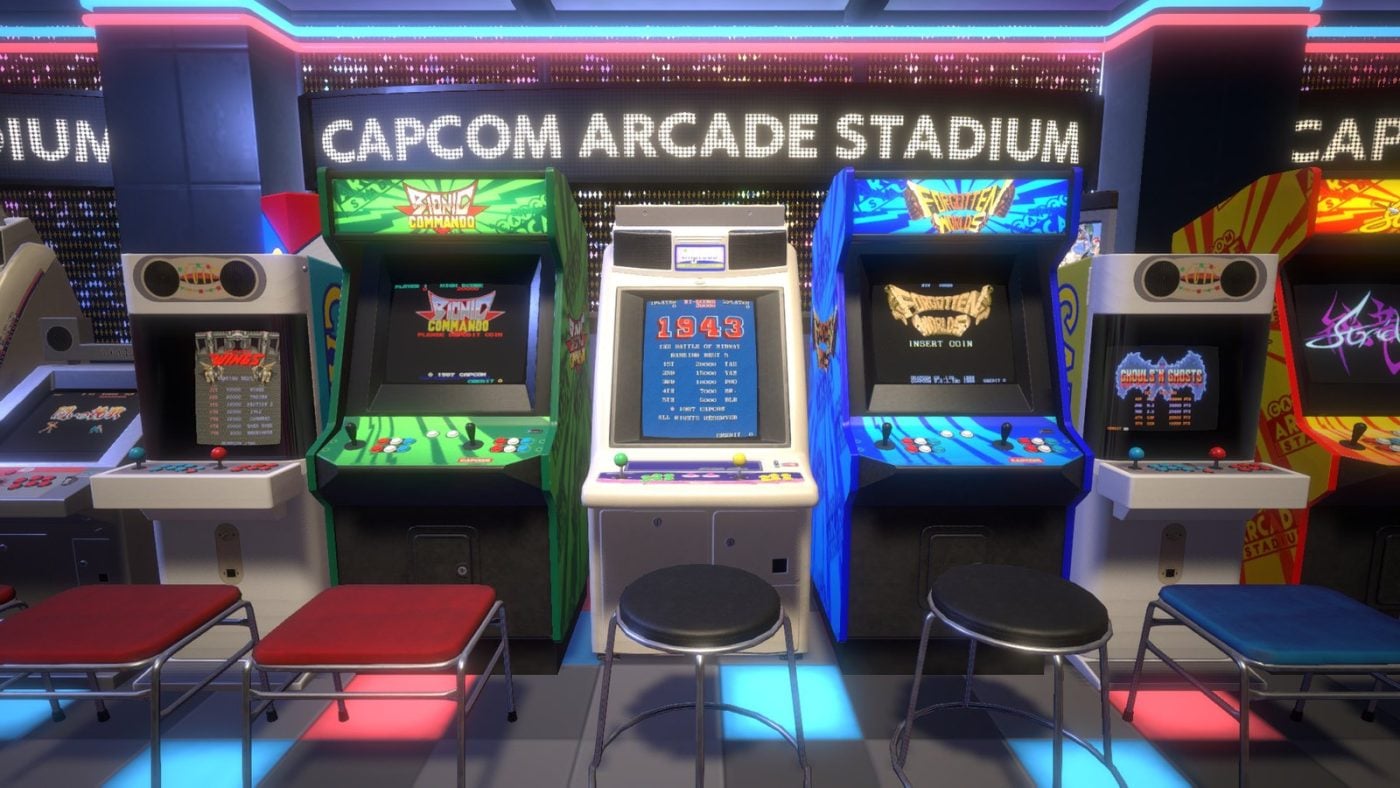
If your arcade machine has a Windows mini PC inside, there is a way to play the classic arcade games with no legal doubts at all: the official collections that Capcom, SNK, Konami, Bandai Namco and others sell on Steam. They include the arcade versions, already set up, and they often add rewind, saving at any moment and screen filters.
In this guide we tell you which collections exist, what they include and how to play them from your bartop’s menu with the joystick and buttons. The information comes from the Steam and GOG listings and from the RetroBat and Batocera wikis, all checked on 12 November 2026. We do not list prices, because they change often.
What you need
- A 64-bit Windows PC. Almost all of these Steam listings are Windows-only. Some are very light, such as Darius Cozmic Collection Arcade, which asks for a Core i3-3120M with Intel HD Graphics 5000 integrated graphics and 2 GB of memory, and others are more demanding, such as Capcom Arcade Stadium, which asks for a dedicated GTX 760 or Radeon R7 260x graphics card. Which mini PC fits in a bartop is covered in What PC do I need for emulation?.
- Your joystick and buttons connected by USB. On the PC they work like any other controller; below we explain how to set them up in Steam.
They cannot be played on a Pandora board or a Raspberry Pi: Pandora boards run their own closed system, and the Batocera wiki says Steam can only be installed on x86_64 processors, the ones in PCs, not on the ARM chips in the Raspberry Pi.
The collections available on Steam
Capcom
- Capcom Arcade Stadium (2021) and Capcom Arcade 2nd Stadium (2022). Each one brings together 32 Capcom arcade games. The base is free, with one game (1943 in the first and SonSon in the second), and the rest are bought individually or in packs: from Ghosts ‘n Goblins, Final Fight or 1944 to Three Wonders, Knights of the Round or the Street Fighter Alpha series. They let you rewind, change the speed and save your game at any moment.
- Capcom Beat ‘Em Up Bundle (2018): seven arcade beat ’em ups, including Final Fight, Captain Commando, Knights of the Round and Battle Circuit, with online play and an option to start with more lives.
- Street Fighter 30th Anniversary Collection (2018): twelve games from the series, including Street Fighter II Hyper Fighting, Street Fighter Alpha 3 and Street Fighter III: 3rd Strike.
- Capcom Fighting Collection (2022), with the Darkstalkers series, Cyberbots and Red Earth, and Marvel vs. Capcom Fighting Collection: Arcade Classics (2024), with seven games that the listing calls “arcade classics”, from X-Men: Children of the Atom to Marvel vs. Capcom 2 and The Punisher.
- Capcom Fighting Collection 2 (2025) includes Capcom vs. SNK 2, Power Stone 1 and 2 and five other fighting games, but its listing does not make clear whether they are the arcade versions or the console ones.
If you are after something specific from Capcom, in Capcom CPS1, CPS2 and CPS3 on your arcade machine we explain which games are on each board.
SNK
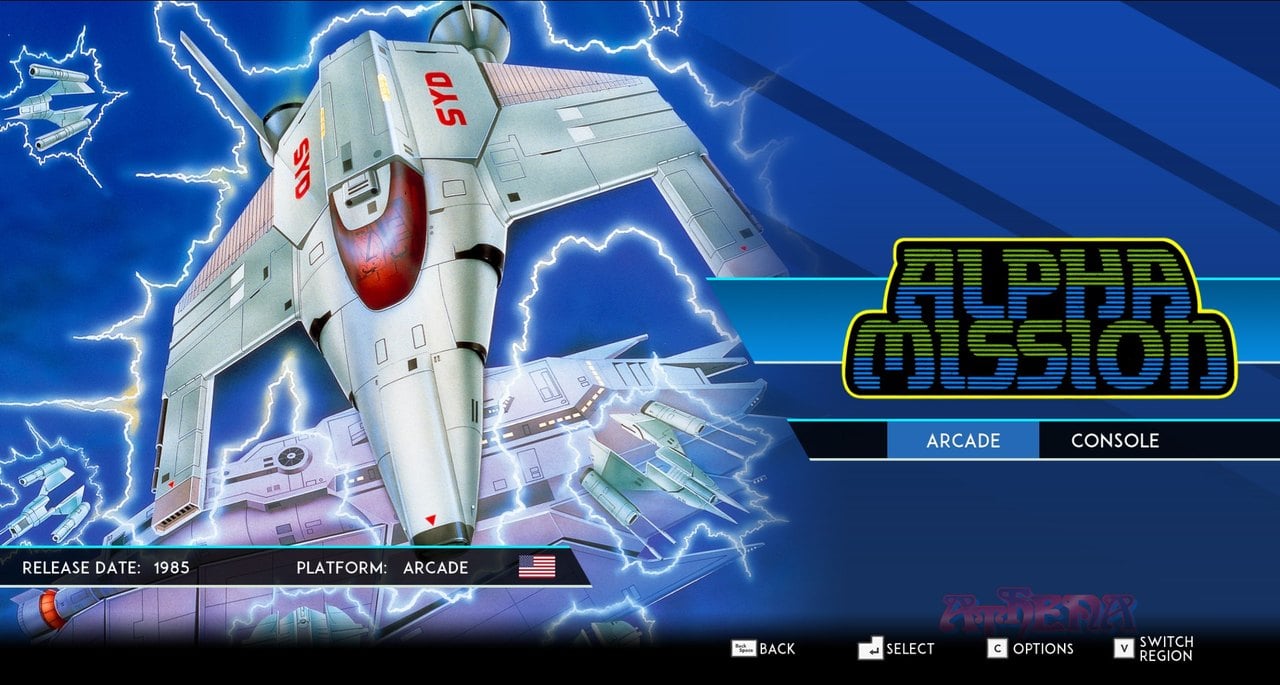
- SNK 40th Anniversary Collection (2019): 24 games from the 1980s, such as Ikari Warriors, Alpha Mission, Psycho Soldier or Time Soldiers. Many can be played in their arcade version or the console one, and some, such as Crystalis, are console-only. It is on Steam and on GOG.
- Samurai Shodown NeoGeo Collection (2020): the seven Neo Geo Samurai Shodown games, in the MVS arcade version, plus the previously unreleased V Perfect.
- Metal Slug Ultimate Collection, with ten titles from the series, has been announced on Steam, but with no date.
Hamster’s Arcade Archives and ACA NEOGEO are not on Steam. The ones with a PC version are sold in the Xbox store. More Neo Geo games are in Neo Geo on your arcade machine.
Konami
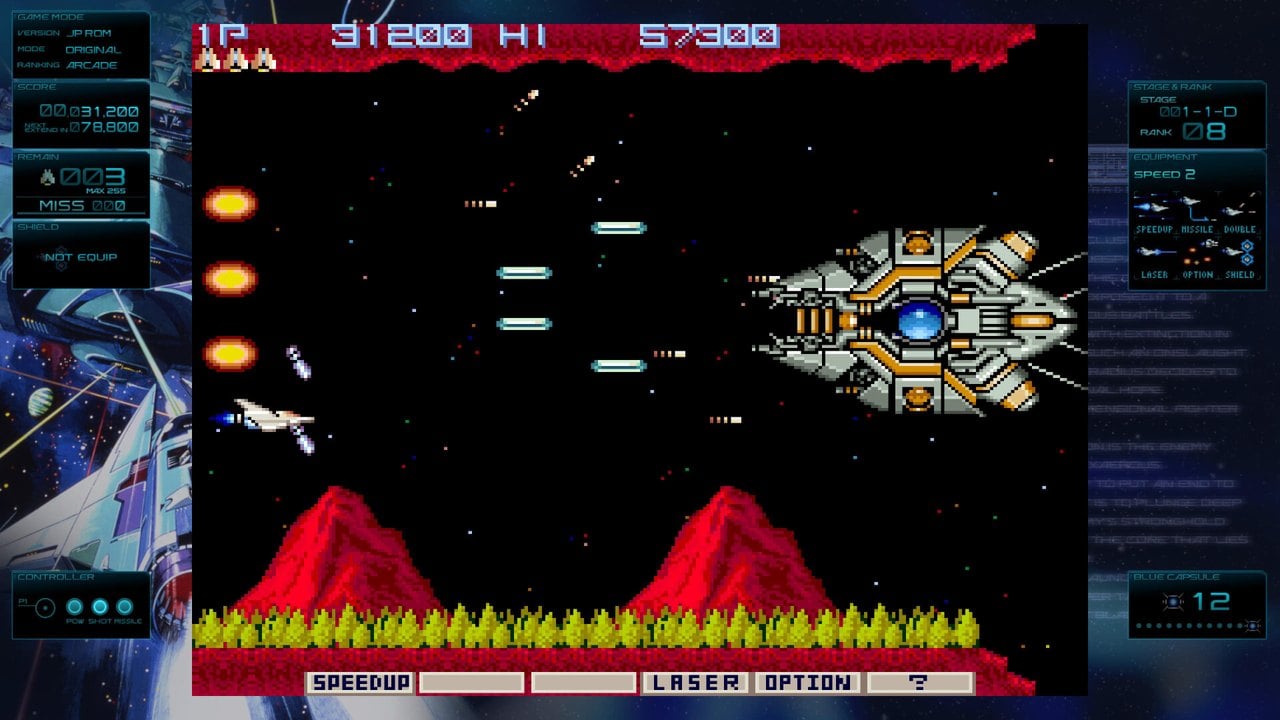
- Arcade Classics Anniversary Collection (2019): eight arcade games from the eighties, including Scramble, TwinBee, Gradius, Salamander, Haunted Castle and Thunder Cross.
- Gradius Origins (2025), made with M2: 18 versions of seven Gradius and Salamander arcade games, one of them new, Salamander III. It has rewind, a training mode, screen filters and even the board’s DIP switches, which change the lives or the difficulty just as in the arcade.
- Teenage Mutant Ninja Turtles: The Cowabunga Collection (2022): 13 Turtles games, of which two are arcade games, the first one and Turtles in Time. Both are for four players; you will find more ideas in 4-player games on your arcade machine.
Bandai Namco, Taito, Atari and Midway
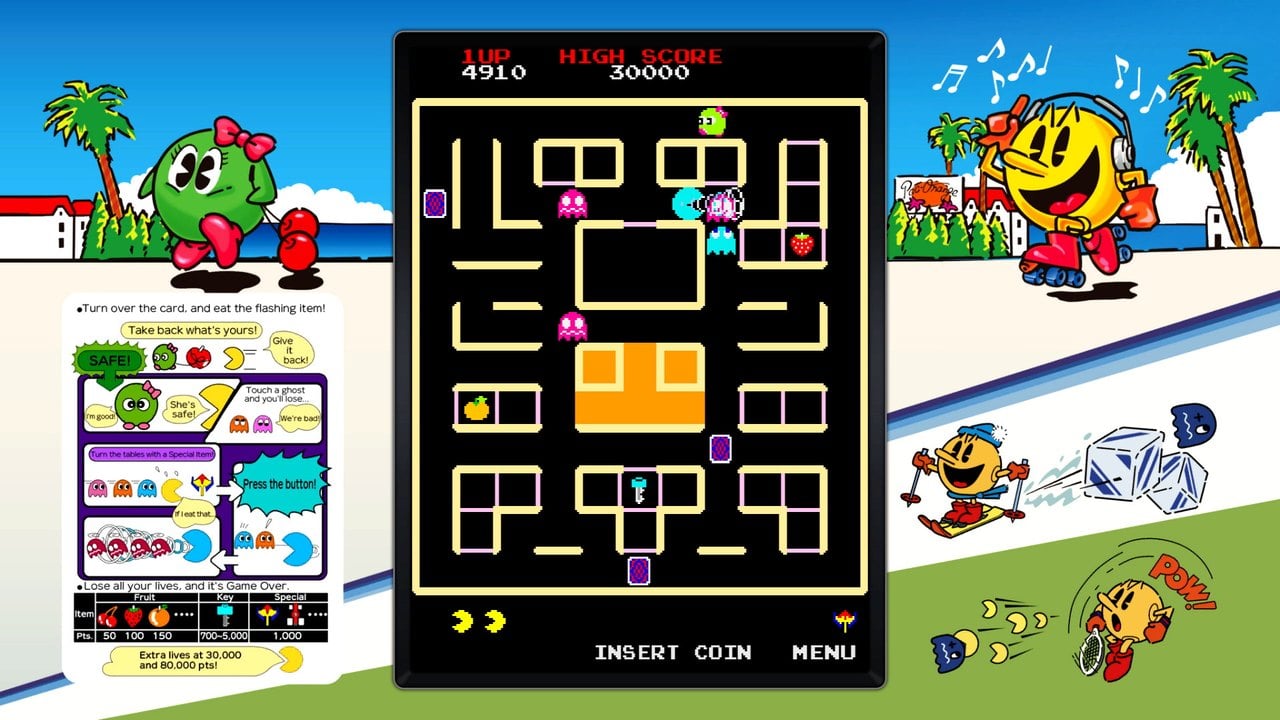
- Pac-Man Museum+ (2022): 14 Pac-Man games, from the original to Pac-Man 256. It mixes arcade games such as Pac-Man, Pac-Land or Pac-Mania with console games.
- Darius Cozmic Collection Arcade (2021), made with M2: Darius, Darius II, Sagaia and Darius Gaiden, in seven arcade versions. The original Darius games were played on several screens at once, and on Steam you can use two or three monitors.
- Atari 50: The Anniversary Celebration (2022): more than 90 games from seven Atari systems, including the arcade. It is on Steam and on GOG.
- Mortal Kombat: Legacy Kollection (2025): includes the arcade versions of Mortal Kombat, Mortal Kombat II, Mortal Kombat 3, Ultimate Mortal Kombat 3 and Mortal Kombat 4, alongside console versions, with online play.
Shoot ’em ups
- Cave: several of its arcade games have an official version on Steam, such as DoDonPachi Resurrection (2016), Mushihimesama (2015), Deathsmiles I・II (2022) and Akai Katana Shin (2022).
- Toaplan: they are sold individually on Steam, from Truxton and Zero Wing to Batsugun or Dogyuun. On GOG there is a pack with all 16.
- Psikyo: also individually, since 30 December 2025: Strikers 1945, its two sequels, GunBird, GunBird 2 and Samurai Aces III.
How to play them from the machine
With RetroBat
According to its wiki, RetroBat opens Windows games directly from its menu, without an emulator. There are two ways to add them: copy the Steam game’s shortcut into the roms\windows folder, or turn on automatic search in GAME SETTINGS > WINDOWS GAMES, which every time you open RetroBat adds the installed games from Steam, GOG, Epic, EA and Amazon. That way you pick Capcom Arcade Stadium from the same list as your emulated games.
With Batocera on a PC
In Batocera, Steam is installed as a Flatpak, on PC only, and appears as one more system in the menu. The first time you need a mouse and keyboard, and you have to turn on Steam Play (Proton), because these games are for Windows and Batocera is Linux. We have not tested every collection with Proton. As a guide, most have the “Verified” label for Steam Deck, which also uses Proton. If you do not have it yet, see how to install Batocera on your arcade machine.
The RetroBat wiki is clear: in Windows games, controllers are set up in the game itself or in Steam. The Zero Delay interfaces in our packs with USB interfaces are sold for PS3, PC and Raspberry Pi, so the PC sees them as a generic USB controller, not an Xbox one. Steam Input supports generic controllers: turn it on in Steam’s controller settings and assign the buttons for each game in its configuration. Of all these, the Street Fighter 30th Anniversary Collection is the only one whose listing says it supports DirectInput controllers and arcade sticks out of the box, and the Toaplan games let you choose between direct Windows input and Steam Input.
To move around the library with the joystick, Steam has Big Picture mode, designed for the TV and the controller.
Vertical games
On a normal monitor, vertical games appear in a strip in the middle. If you rotate your machine’s screen, some of these versions rotate the image with it. According to their listings and release notes:
- Mushihimesama has a vertical “tate” mode, also full screen on 3:4 and 9:16 monitors.
- DoDonPachi Resurrection lets you rotate the screen to vertical.
- The Toaplan games rotate the image in 90-degree steps.
For the rest we have not found an official source that confirms rotation on PC. What else to bear in mind is covered in Vertical games on your arcade machine.
Frequently asked questions
Are they the real arcade games or remakes?
They are the arcade versions or official adaptations of them, published by whoever holds the rights. Some collections also add console versions, and we point that out for each one.
Do they work on a Pandora board or a Raspberry Pi?
No. You need a PC: with Windows, from RetroBat or from Steam, or with Batocera through Proton.
What if I would rather emulate them?
Batocera and RetroBat emulate these arcade games with MAME or FinalBurn Neo, but you have to provide your own copies. The collections are the purchased, official option, and there is nothing else to hunt down.
Can two people play?
In many games, yes. Several collections have local co-op mode, such as Capcom Arcade Stadium or the Capcom Beat ‘Em Up Bundle, and some also have online play.
Sources
Checked on 12 November 2026:
- Steam listings: Capcom Arcade Stadium, Capcom Arcade 2nd Stadium, Capcom Beat ‘Em Up Bundle, Street Fighter 30th Anniversary Collection, Capcom Fighting Collection, Capcom Fighting Collection 2, Marvel vs. Capcom Fighting Collection, SNK 40th Anniversary Collection, Samurai Shodown NeoGeo Collection, Metal Slug Ultimate Collection, Arcade Classics Anniversary Collection, Gradius Origins, The Cowabunga Collection, Pac-Man Museum+, Darius Cozmic Collection Arcade, Atari 50, Mortal Kombat: Legacy Kollection, Mushihimesama, DoDonPachi Resurrection, Truxton and Strikers 1945.
- GOG: Toaplan Arcade Shoot’em Ups Ultimate Collection.
- Arcade Archives on Hamster’s website.
- RetroBat wiki: Windows games.
- Batocera wiki: Steam.
- Steamworks: controllers supported by Steam Input.